Other plugins
If your site runs courses, memberships, a download shop, donations or events, Postalion can tell those people apart, so you can write to the students of one course or the members of one level. Each integration is off until you turn it on under Settings → Other plugins.
What happens, in one paragraph
When someone enrols in a course, joins a membership level, buys, donates or books a ticket, Postalion gives them a tag. Nobody is subscribed by this. Users of the site already receive the newsletters you send to everyone (unless they opted out), so they get the tag straight away. Buyers, donors and attendees who are not users get it only if they already subscribed, through a checkbox or a form. Anyone who unsubscribed is left alone, and a later enrolment does not bring them back.
Courses: Tutor LMS, LifterLMS, LearnDash
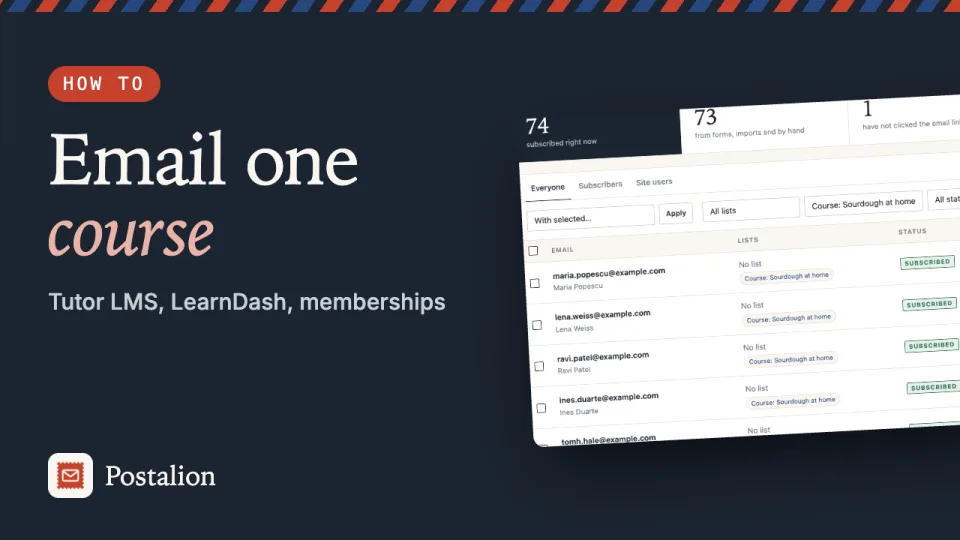
Everyone who enrols in a course gets the tag Course: name of the course, for example Course: Sourdough at home. To write to the students of that course, choose Only people with a tag as the audience of a newsletter and pick the tag.
Memberships: Paid Memberships Pro, MemberPress
Everyone who joins a level gets the tag Member: name of the level. With Paid Memberships Pro the tag follows the membership: changing level swaps it, and it goes away when the membership ends. With MemberPress the tag is given when a transaction completes, for a signup or a renewal.
Easy Digital Downloads, GiveWP, Event Tickets
- Easy Digital Downloads: when a purchase is complete, the buyer gets the same customer tag WooCommerce buyers get (Settings → Shop → Tag for customers, "Customer" unless you renamed it).
- GiveWP: when a donation is complete, the donor gets the tag Donor.
- Event Tickets (The Events Calendar): everyone who books a ticket or an RSVP gets Event: name of the event.
Sign-up boxes in more forms
Under Settings → Sign-up checkboxes, six more places can ask people to subscribe. Each box is unticked by default; a ticked box subscribes the address the way the ordinary form does, with double opt-in if it is on, to the list chosen for the checkboxes.
- Kadence Blocks (advanced form): add a Checkbox or Accept field and set its Field Name to
postalion_optin. - Everest Forms: add a Checkboxes field and set its Meta Key to
postalion_optin. - WS Form: add a Checkbox field with one option whose value is
postalion_optin. - BuddyPress registration: the box appears on the sign-up page; a new member who leaves it unticked does not receive newsletters once the account is activated.
- Easy Digital Downloads checkout: the box appears above the purchase button.
- GiveWP: the box appears above the donate button of the classic donation forms. Forms made with GiveWP's visual form builder do not show it yet.
With Postalion Pro
A tag can start a sequence or a visual automation: a welcome series for a new course, onboarding emails for a new membership level, a thank-you path for donors. The tags are also available to segments.