Write two subject lines and let your readers choose: part of the list gets each one, and after a wait the one that did better goes to everyone else. It needs Postalion Pro 1.1, Postalion 1.8 or newer, an active licence, and opens and clicks counted (Settings → Statistics → Count opens and clicks).
Setting it up
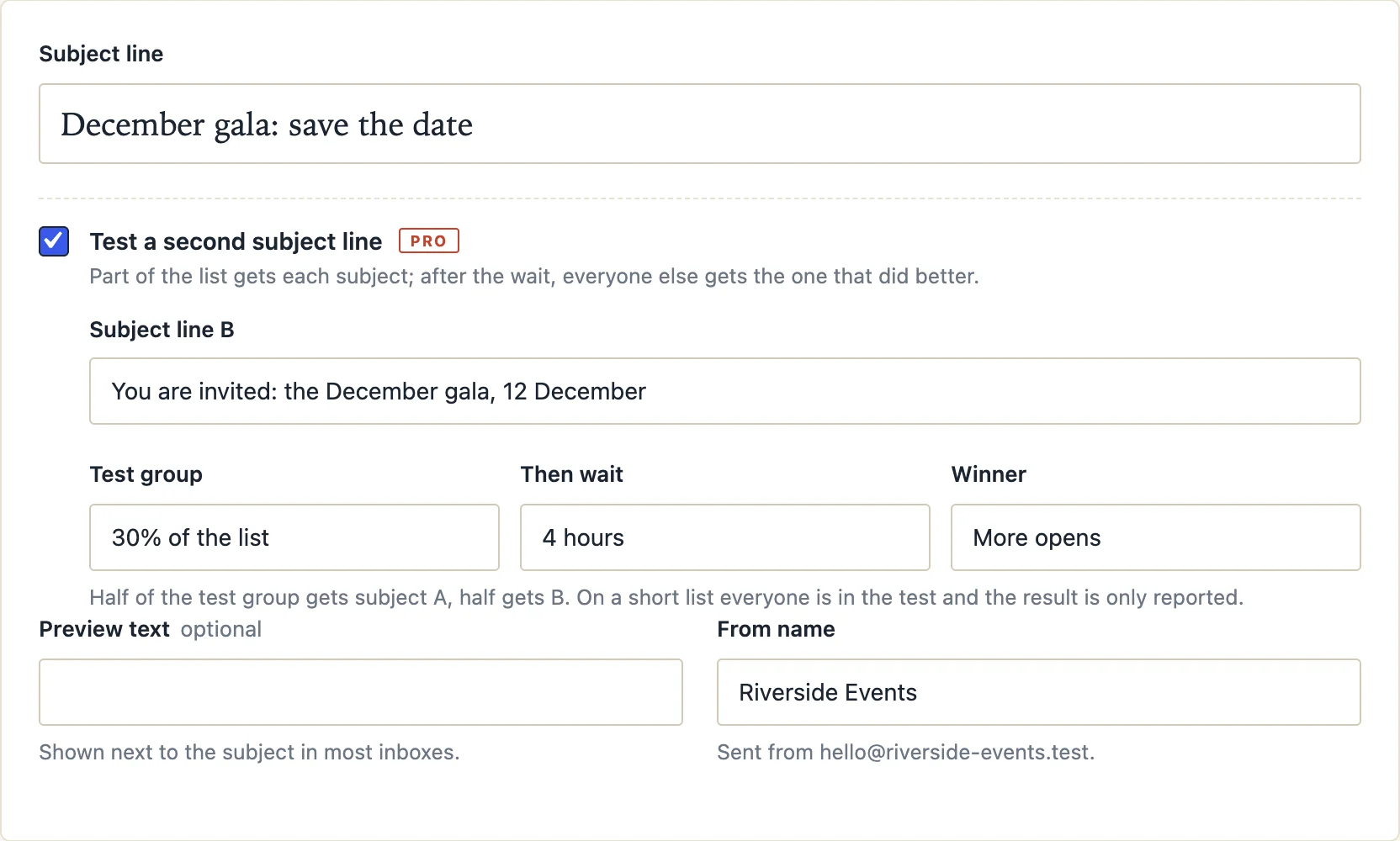
Under the subject line in the composer, tick Test a second subject line and fill in:
- Subject line B: the other way to say it. Subject A is the one above.
- Test group: 10, 20, 30 or 50 percent of the list. It is split in half at random: half get A, half get B.
- Then wait: 1, 2, 4, 8 or 24 hours. Most opens happen in the first few hours; four is a good default.
- Winner: more opens, or more clicks. The share counts, not the raw number, so the two halves compare fairly. On a tie, A wins.
Then send or schedule the newsletter as usual. The test settings are saved with the draft and copied when you duplicate it.
What happens when it goes out
- The test group gets the newsletter right away, half with each subject.
- Everyone else waits in the queue. On the Sending screen and in the list, the newsletter shows as sending.
- When the wait is over, Postalion counts who opened (or clicked) in each half, picks the winner and sends it to everyone who waited, in the usual batches.
On a short list, where the test group would leave fewer than four people waiting, everyone takes part: half get A, half get B, and the result is only reported. With fewer than four recipients there is no test and everyone gets A.
The result
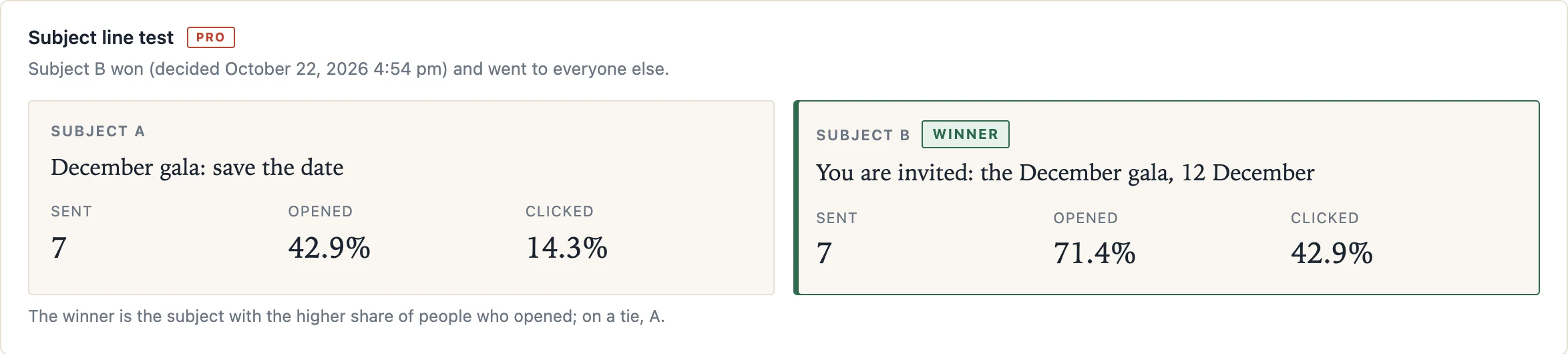
Open the newsletter's report: Newsletters, the "Who got this email" icon on its row, or Logs filtered by the newsletter. Under the opens and clicks, the test shows both subjects, how many got each, their open and click rates, and which one won. While the test runs, it says how many people are waiting and when the winner is picked.
When it does not run
- Opens and clicks are not counted: there is nothing to compare, so everyone gets subject A. The report says so.
- No licence is active when the newsletter goes out: everyone gets subject A.
- You stop the send during the wait: the people still waiting get nothing, as with any stopped send.
- Pro is deactivated during the wait: the free plugin notices within minutes and sends the waiting people subject A, so nobody is left out.
Good to know
- Mail apps that load images in advance count as opens, and apps that block images do not. Both halves are affected alike, so the comparison still holds; with a small test group, treat a close result as a tie.
- Test one thing at a time: the subject. Preview text, content and sender stay the same for both halves.
- Everything is counted on your own site, like every other statistic in Postalion.
Back to the documentation