Postalion

Free newsletter plugin for WordPress · v1.10

Newsletters from your own WordPress. No limits, no monthly bill.

Subscribers in your database. Mail through your own service. Lists, templates, scheduling, statistics and automatic emails, in one free plugin that phones nobody.

The Postalion composer in the WordPress admin: subject line, a choice of templates, and the send and schedule controls.
0
subscriber limits
0
sending limits
0
calls to outside servers
12
email templates
GPL
free for good

The tour · one minute

See it before you install it.

A real WordPress site, from the first sign-up to the report. No voice-over, no account.

  1. 01A sign-up form on a page
  2. 02The list, with tags and fields
  3. 03A newsletter in a ready template
  4. 04Sending, in the background
  5. 05Who opened and what they clicked
All video tutorials
The player loads from YouTube only when you press play.

Everything inside, all free

One plugin. The whole list.

What other plugins split across a free tier and five add-ons sits in one place here. No subscriber limits, no logo in your emails, no account to create. Every feature, in detail.

  • 01

    Composer and templates

    Twelve templates and blocks made for email clients.

  • 02

    Lists, tags, fields

    Group, label and describe people; write {city} in an email.

  • 03

    Sign-up anywhere

    Block, shortcode, popup, page builders, form plugins, WooCommerce checkout.

  • 04

    Background sending

    Batches with a pause, scheduling, stop and resume. SMTP built in.

  • 05

    Automatic emails

    Welcome email, each new post, or a digest: daily, weekly, monthly.

  • 06

    Statistics, when you want them

    Opens, clicks and links, counted on your server. Off by default.

  • 07

    Email log

    Every email, sent or failed with the reason, and a preview of each.

  • 08

    Web version, archive

    "View in browser" in every newsletter, and a page that lists them.

  • 09

    WooCommerce

    Checkout box, a Customer tag and last-order fields, product emails.

  • 10

    Bring your list

    Mailchimp, MailPoet, Newsletter and CSV, with lists and fields.

  • 11

    Privacy built in

    Double opt-in, one-click unsubscribe, export and erase answered.

  • 12

    Free, for good

    Pro adds features; it never takes any away.

Chapter one · Write

Write it like a letter, not a landing page.

Pick a template, type, drop in a headline, a button, two columns. The reader's name goes where it belongs. Preview it on a phone, send yourself a test, then send it or schedule it.

How the composer and the templates work →
The finished newsletter in the Classic template. The same newsletter on a phone.

Chapter two · Send and know

Sent in batches. Logged one by one.

Postalion queues every recipient and sends in small batches with a pause, so shared hosting keeps up. Every email is in the log, and every newsletter gets a report when statistics are on.

Sending, batches and the SMTP setup →
The report of a sent newsletter: delivered, opened, clicked, and the clicked links.

Chapter three · Grow and automate

A list people chose. Emails that send themselves.

Forms that fill a list, add a tag, ask for a field. Double opt-in before anyone is added. Then a welcome email, each new post as a newsletter, or a digest of the week.

Every way people can sign up →
The Subscribers screen with lists, tags, status and filters.

Templates

Twelve letters, ready on day one.

See all twelve →
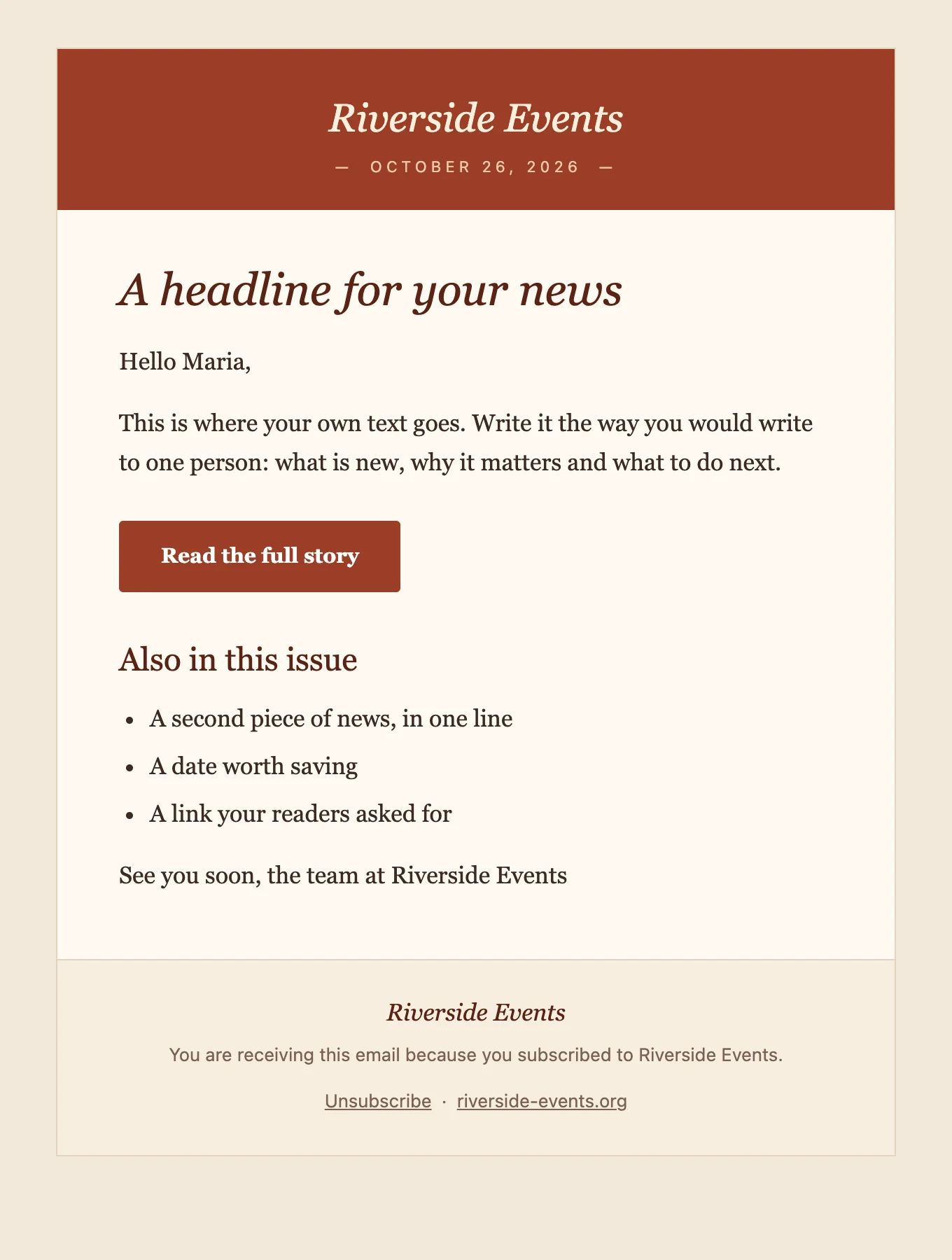
The Café template.
Café food and drink
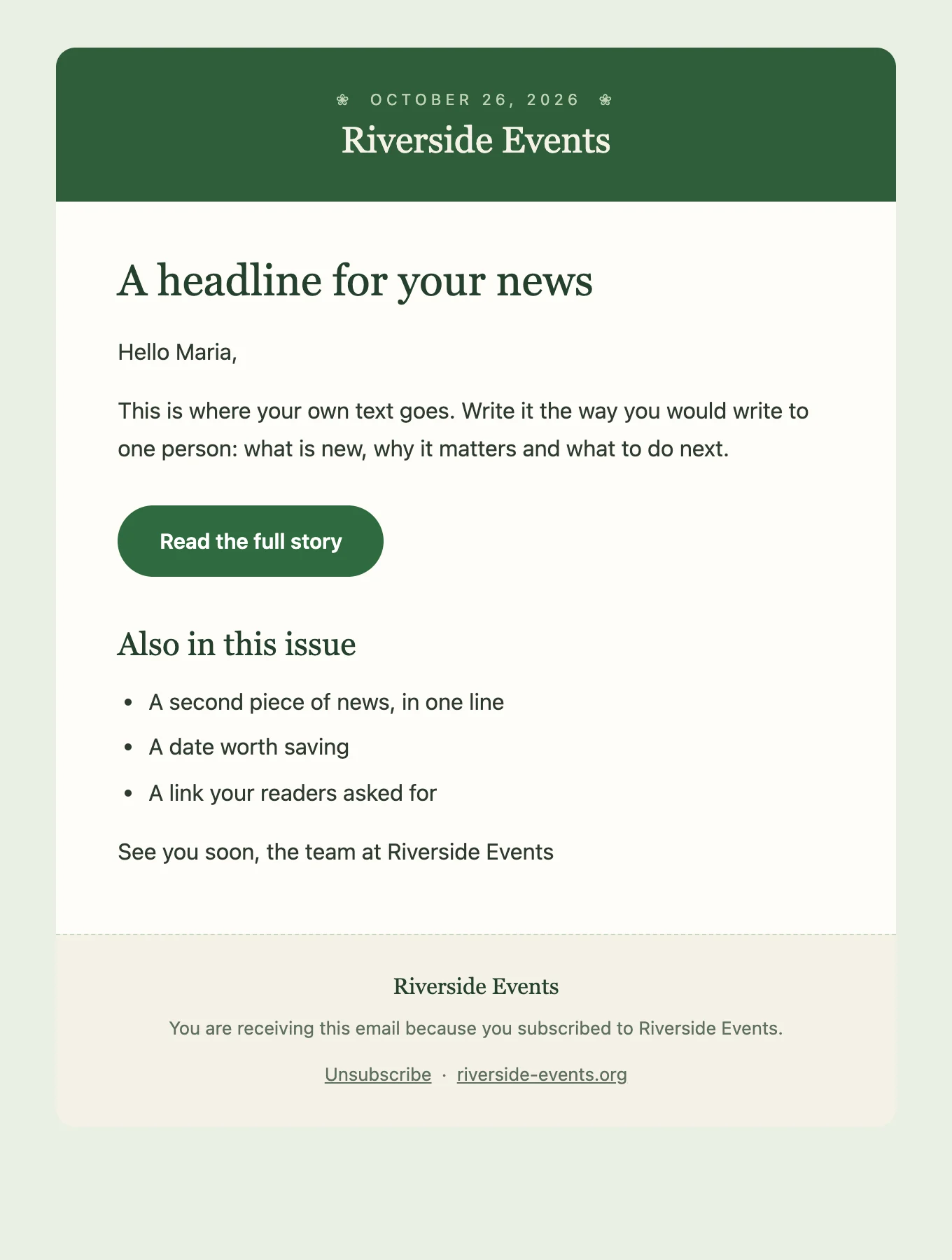
The Garden template.
Garden anything that grows
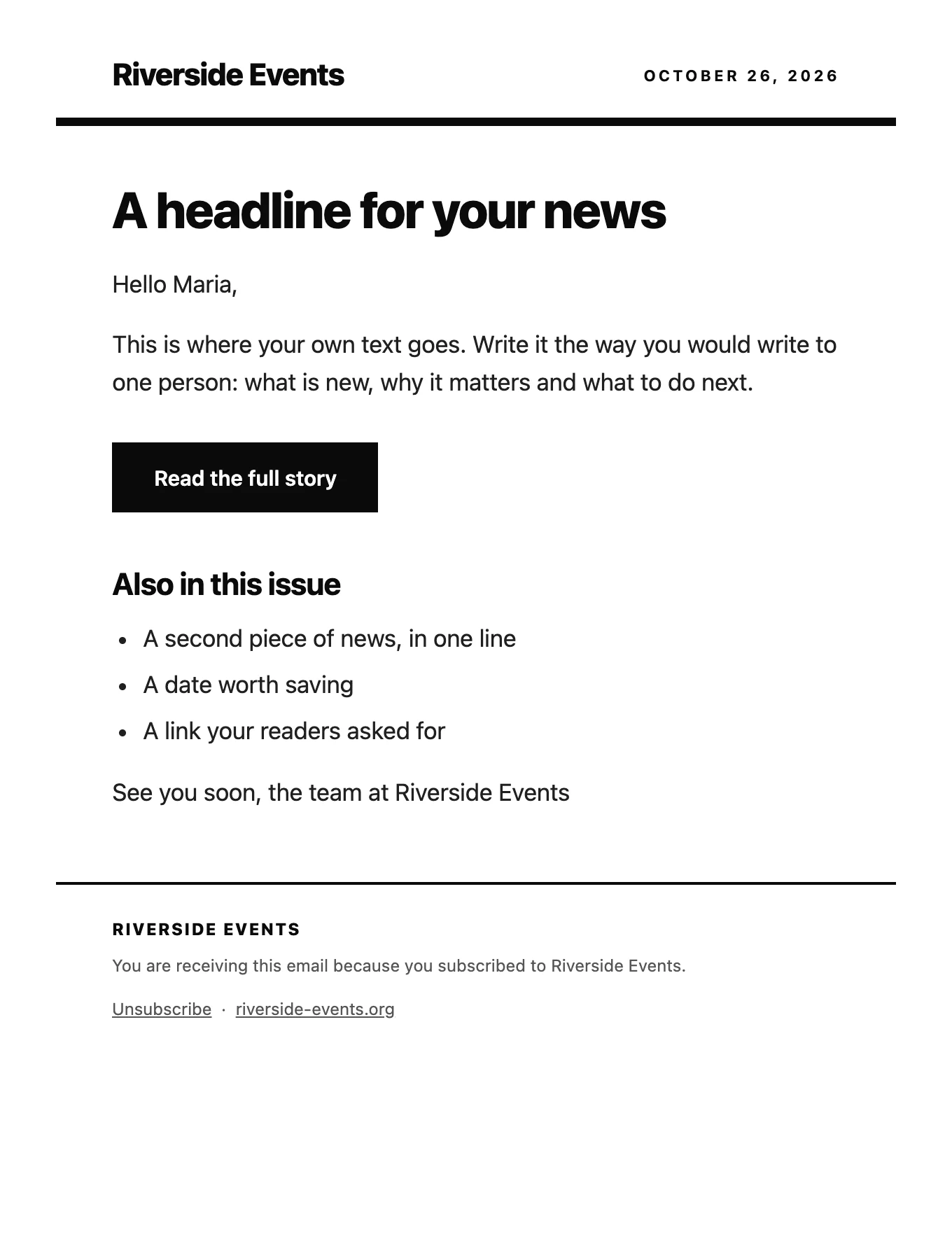
The Modern template.
Modern studios and makers
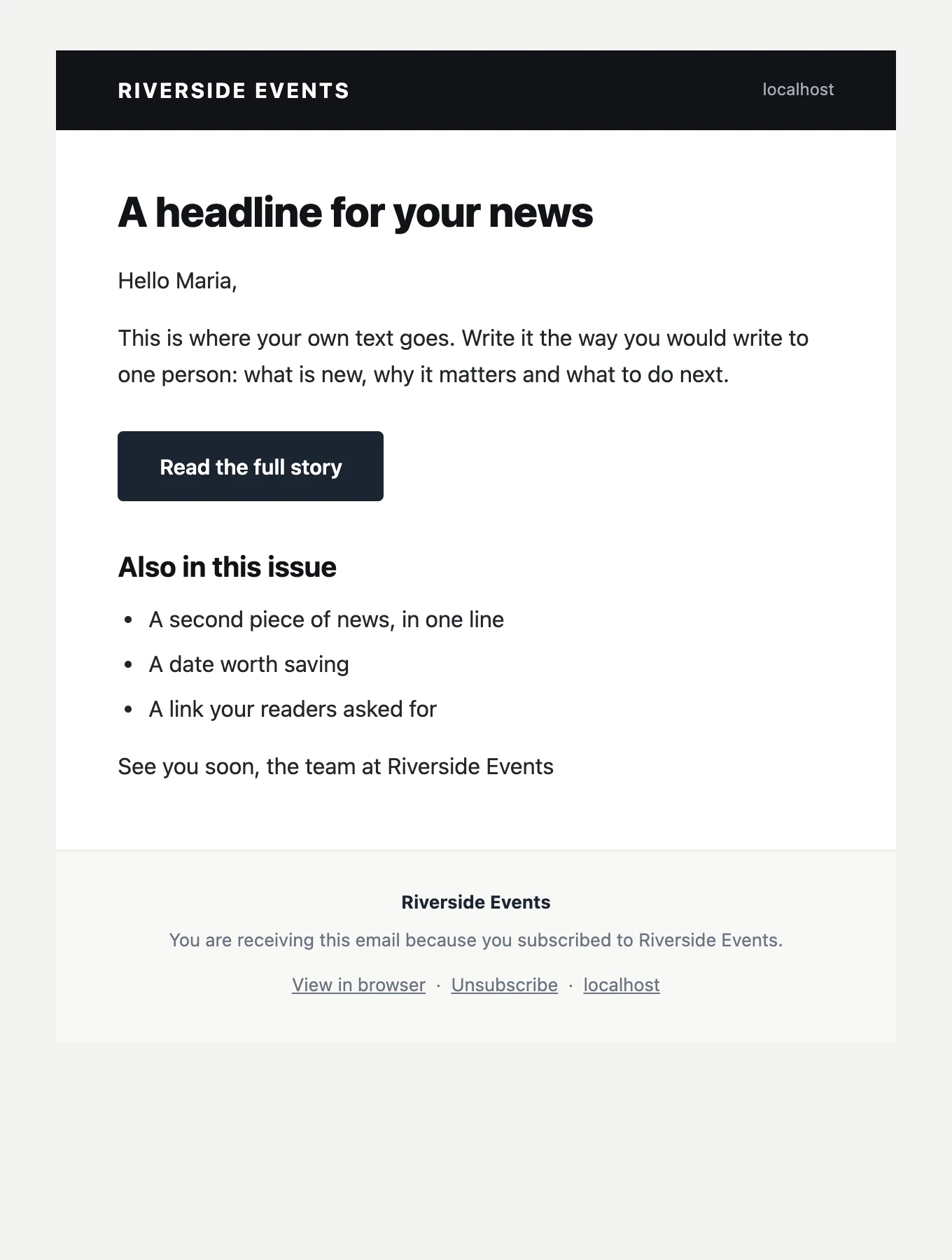
The Shop template.
Shop products and prices

By design

What it leaves out, on purpose.

A newsletter is a conversation between you and the people who asked to hear from you. The plugin stays out of it.

No tracking by default

Opens and clicks are off until you turn them on. Then they are counted on your server, in your database, shared with no one.

No phoning home

No telemetry, no account, no requests to outside servers. The plugin talks to your database and your mail service, nothing else.

No lock-in

Subscribers live in your own WordPress database. Export the whole list to a CSV file whenever you like.

No hard goodbyes

One-click unsubscribe in every email, and WordPress's requests to export or erase a person's data answered.

Free & Pro

Free for good. Pro for shops and larger lists.

The free plugin is complete on its own. Pro adds features for shops and larger lists; it removes no limits, because there are none. What is in Pro.

Postalion

Free GPL · forever

  • Unlimited subscribers and sends
  • Forms, block, popup, builder elements, double opt-in
  • Lists, tags, custom fields, audiences by tag
  • Composer, twelve templates, scheduling, batches
  • Welcome email, new posts, digest by category
  • Statistics, log, web version, archive
  • SMTP, imports, WooCommerce basics

Postalion Pro · out now

$59 per year, one site$35 for the first fifty

  • Sequences and visual automations with branches
  • Segments by behaviour: opened, clicked, bought, went quiet
  • WooCommerce: abandoned cart, after the order, reviews, one-time coupons
  • Drag-and-drop builder with templates, A/B subject lines
  • Bounce handling, REST API and webhooks
  • Priority support, within one working day
Buy Pro, $35 the first year

Founder's price for the first fifty, code FOUNDER already applied. Five or unlimited sites · What is in Pro. Fourteen days money back.

Questions

Before you install.

Is it really free? What is the catch?

Yes. The plugin is open source under the GPL and has no limits on subscribers or on sending. The Pro add-on adds features; the free plugin does not depend on it and loses nothing.

How are the emails actually sent?

Through WordPress's own mail function, or through an SMTP server you enter under Settings → Sending method: your own, or a service such as Brevo, Amazon SES, Mailgun or Postmark. The sending page explains the choices.

How many emails can I send?

As many as your host or mail service allows. Postalion does not count. You set the batch size and the pause between batches so the send stays inside their limits.

Does it help with GDPR?

It gives you the tools: double opt-in, an unsubscribe link in every email, and support for WordPress's requests to export or erase a person's data. Open and click statistics are off by default and counted on your own server.

Does it work with WooCommerce?

Yes: a sign-up box at the checkout, a Customer tag and last-order fields for buyers who subscribed, and new-product emails. Abandoned-cart and post-purchase emails come with Pro. See the WooCommerce page.

Can I have more than one list?

Yes, as many as you like, plus tags and custom fields. A sign-up form can fill a particular list, and a newsletter can go to everyone, to the lists you pick or to everyone with a tag. Unsubscribing is always for all lists at once.

Do I have to set up a cron job?

No. Sending runs on WP-Cron, which WordPress triggers whenever someone visits the site. On a very quiet site a real cron job makes scheduled sends more punctual, but it is optional.

What does it need?

WordPress 5.8 or newer and PHP 7.4 or newer. Translated into Romanian and Spanish, with more languages on translate.wordpress.org.

Your list. Your server. Your letters.

Install it, send yourself a test, and see whether it suits you.

Download Postalion, free