Lists
A list is a group of subscribers. One site, one newsletter, one list is fine; lists are there for the day you have a second letter, a workshop series or a members' circle.
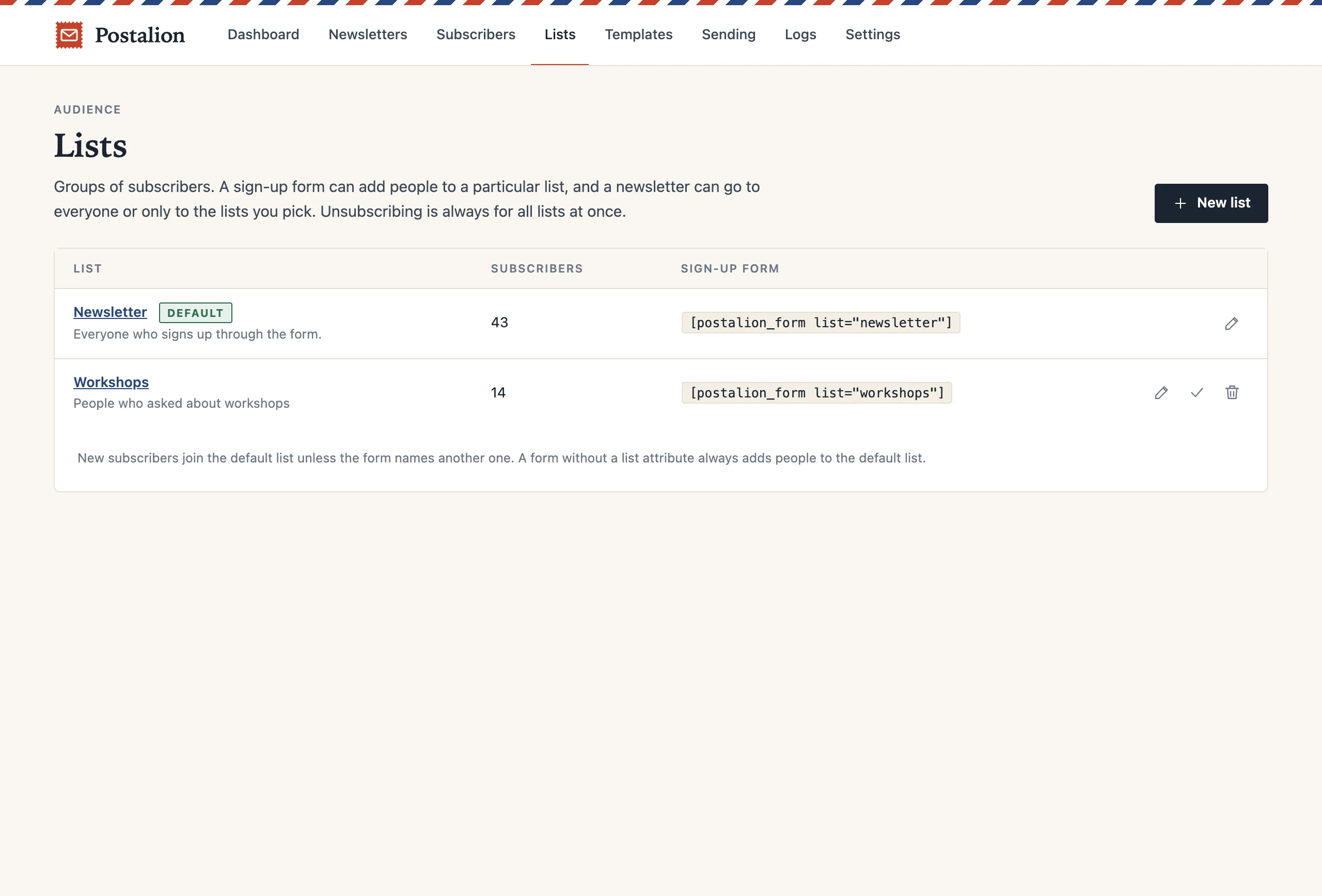
The default list
Postalion creates a list called Newsletter at install and marks it as the default. A form, a popup or a checkbox without a list of its own adds people there; an import without a chosen list does the same. You can rename it, or make another list the default.
Filling a particular list
Every list has a slug. Use it in the shortcode, [postalion_form list="workshops"], in the block's list setting, in the popup setting or in the checkbox setting. One person can be on several lists; they confirm their address once.
Sending to lists
In the composer the audience is one of three: everyone, only these lists, or site users only. The recipient count updates as you tick lists, so you know who will get the email before you send it. The new-post notification can be limited to lists in the same way.
Moving people around
On the Subscribers screen filter by list, tick people and add them to a list or remove them from one in bulk. When you add or edit a person by hand, their lists are checkboxes in the dialog. CSV import asks which lists the file goes into.
Unsubscribing and deleting
Unsubscribing is always for all lists at once: nobody should have to find the right link to stop getting email from you. Deleting a list does not delete the people on it; they just leave that group. The last remaining list cannot be deleted.