01 · Write
A composer with blocks made for email.
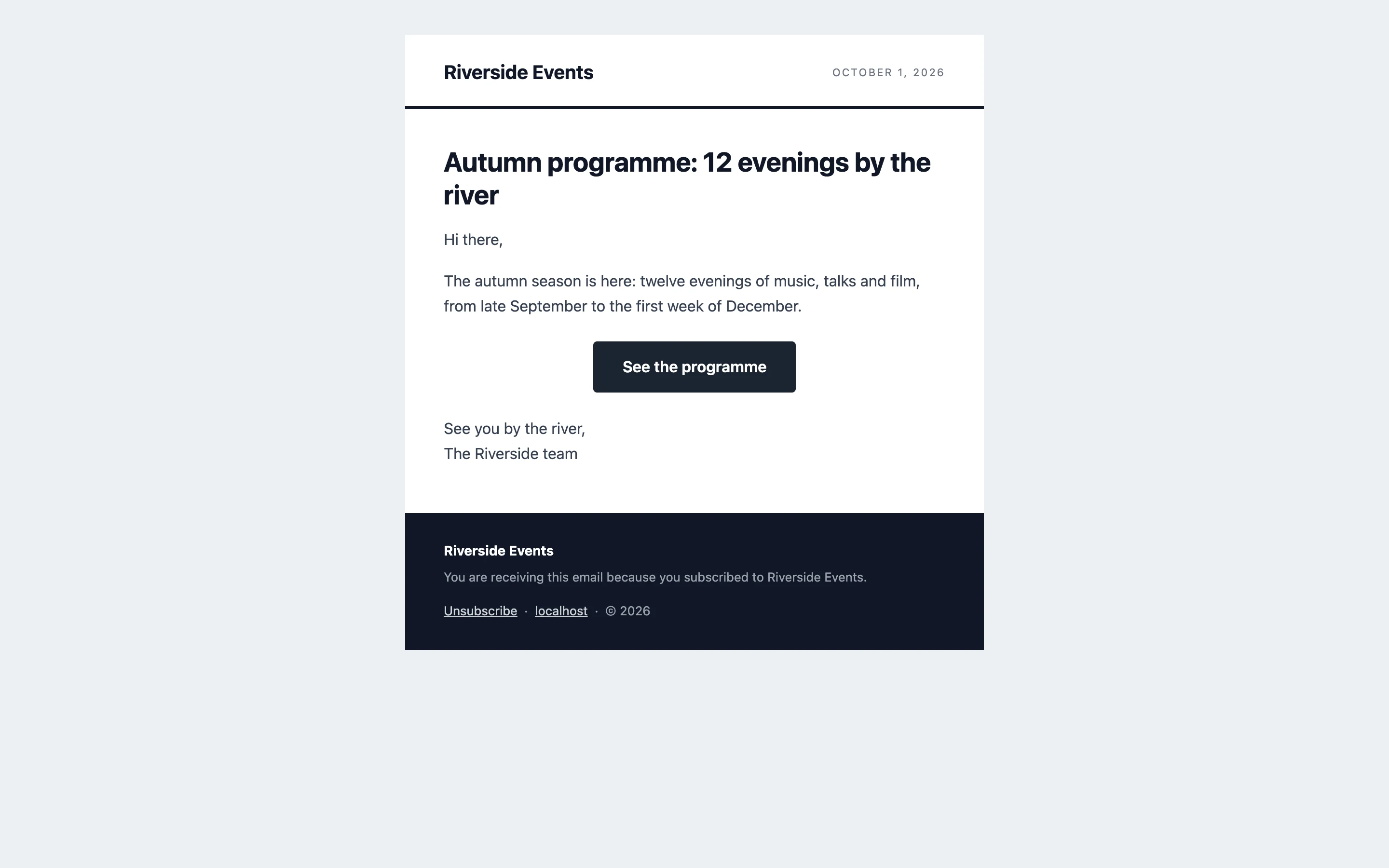
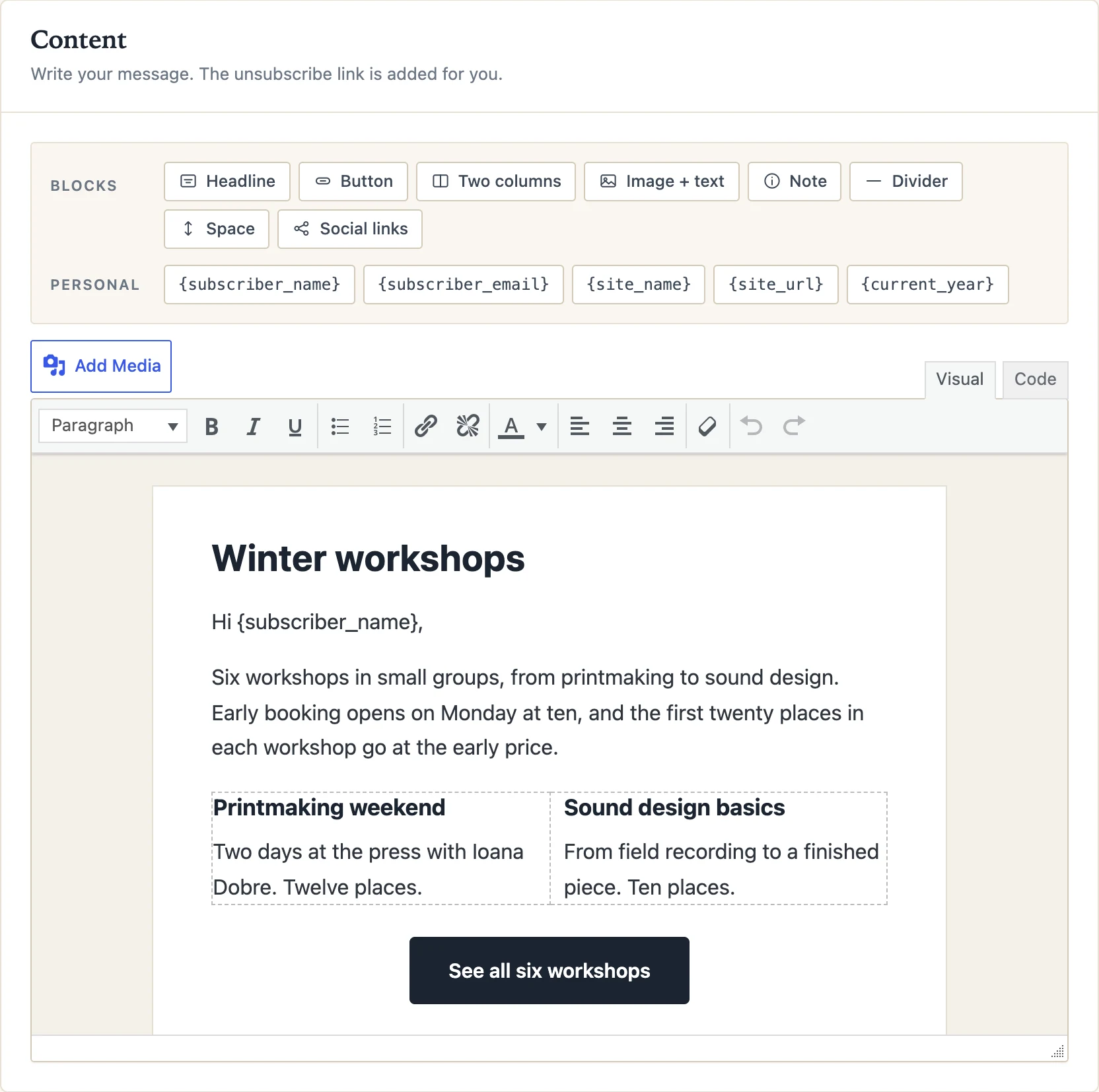
Pick one of eight templates, type, drop in a headline, a button, two columns, an image with text, a note, a divider. Every block is built from table HTML that mail clients render the same way. Preview on desktop and phone, send yourself a test, then send or schedule.
- 01Eight templates: Classic, Letter, Bulletin, Announcement, Card, Programme, Shop, School
- 02{first_name}, {city} and any custom field, filled in per reader
- 03Preview for desktop and phone, test email in one click
- 04"View in browser" and a public archive of what you sent
02 · Organise
Lists, tags and the details you keep.
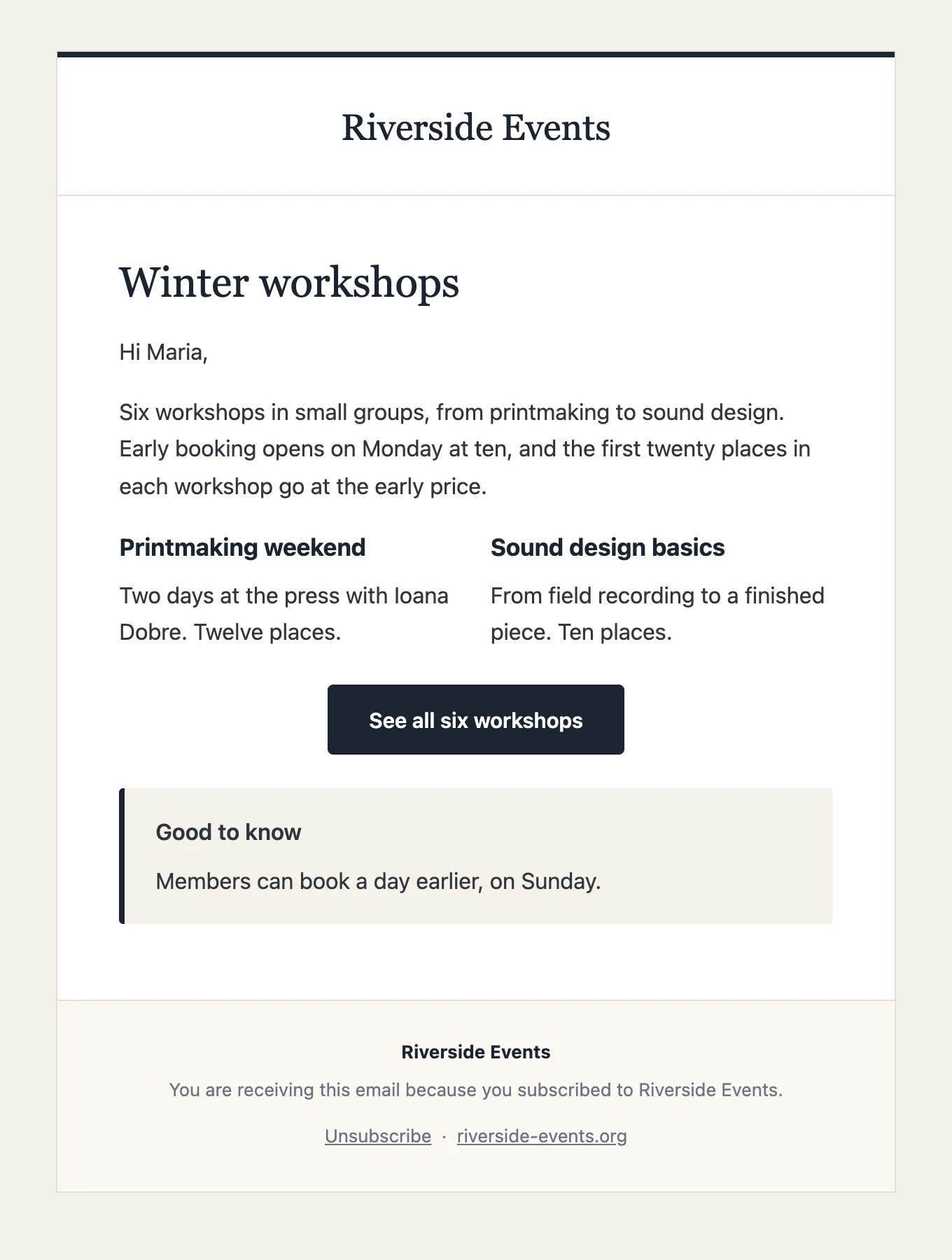
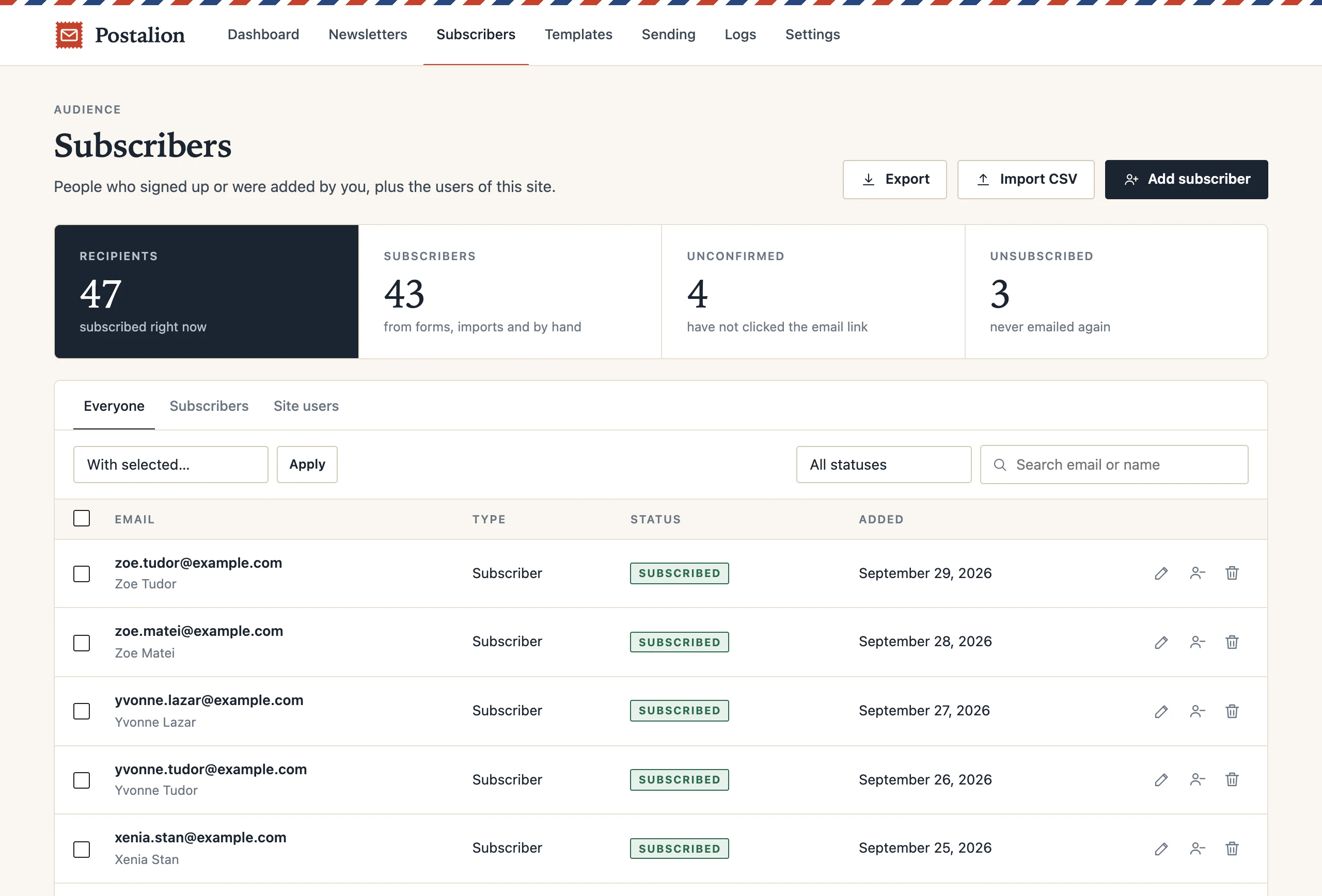
Lists are groups people join. Tags are labels you or a form put on them. Custom fields hold what you know: city, company, a date. All three show up in the subscriber filters, in the audience of a newsletter, and inside the email as placeholders.
- 01A newsletter to one list, to a tag, to site users, or to everyone
- 02Text, number, date and select fields, filled by forms, imports or code
- 03Bulk actions: tag, untag, move, export the filtered set
- 04Every change in the subscriber's history
03 · Grow
A form wherever your page is built.
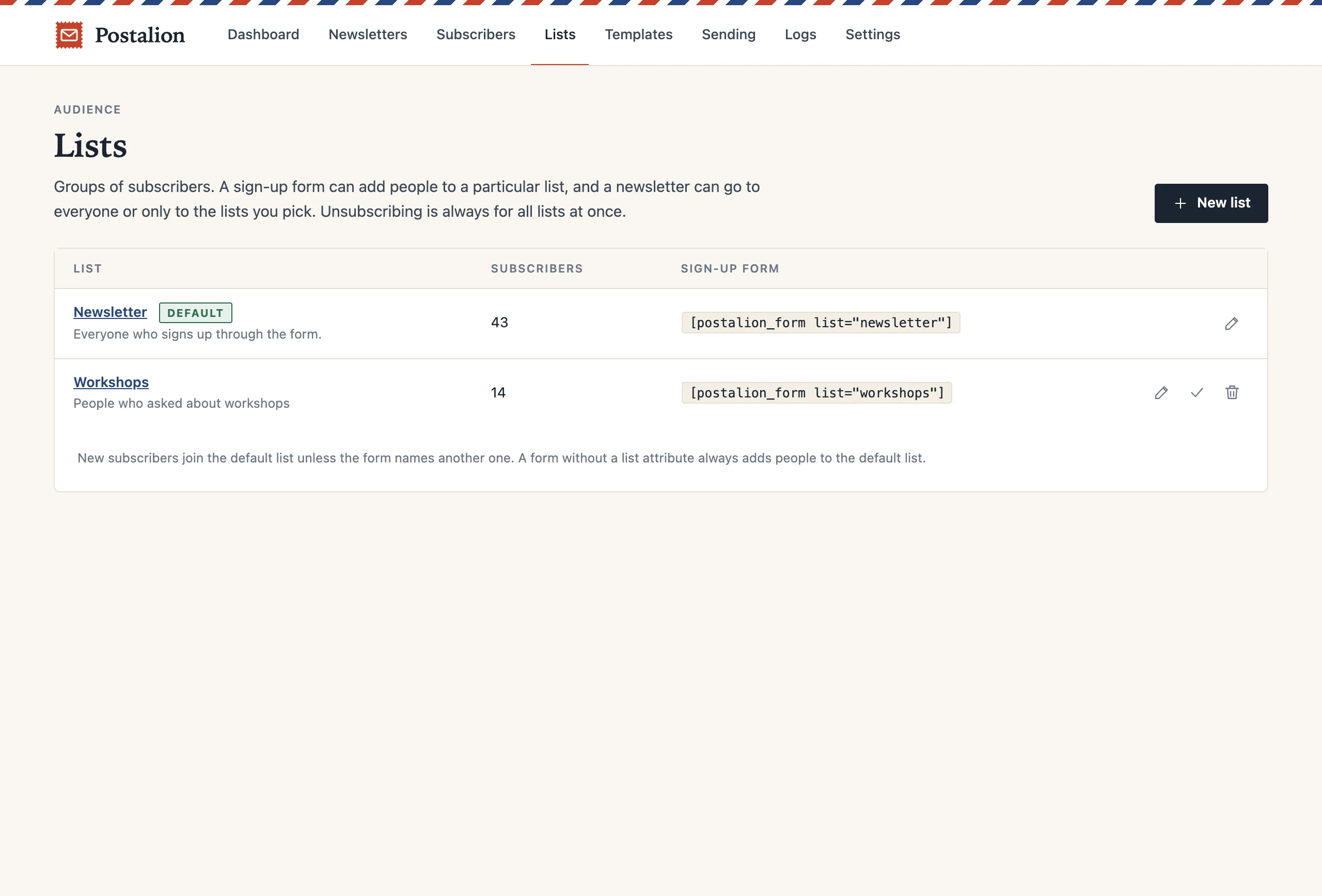
A block for the editor, a shortcode for anywhere else, a popup with a delay. Native elements for Elementor, Beaver Builder, Bricks and Divi, with the same options in each. Checkboxes in the registration form, under comments, in Contact Form 7, WPForms, Fluent Forms and at the WooCommerce checkout.
- 01Each form fills a list, adds a tag, asks for the fields you pick
- 02Double opt-in before anyone is added; a thank-you page or message
- 03Styled by your theme, or by the form's own colours
- 04Honeypot and rate limit against bots, no CAPTCHA to solve
Get the Riverside letter
One email a week about what is on by the river.
I agree to receive the newsletter and I know I can leave with one click.
We will send one email to confirm. Nothing else.
BlockShortcodePopupElementorBeaverBricksDiviWooCommerceCF7WPFormsFluent
04 · Send
Sent in batches. Logged one by one.
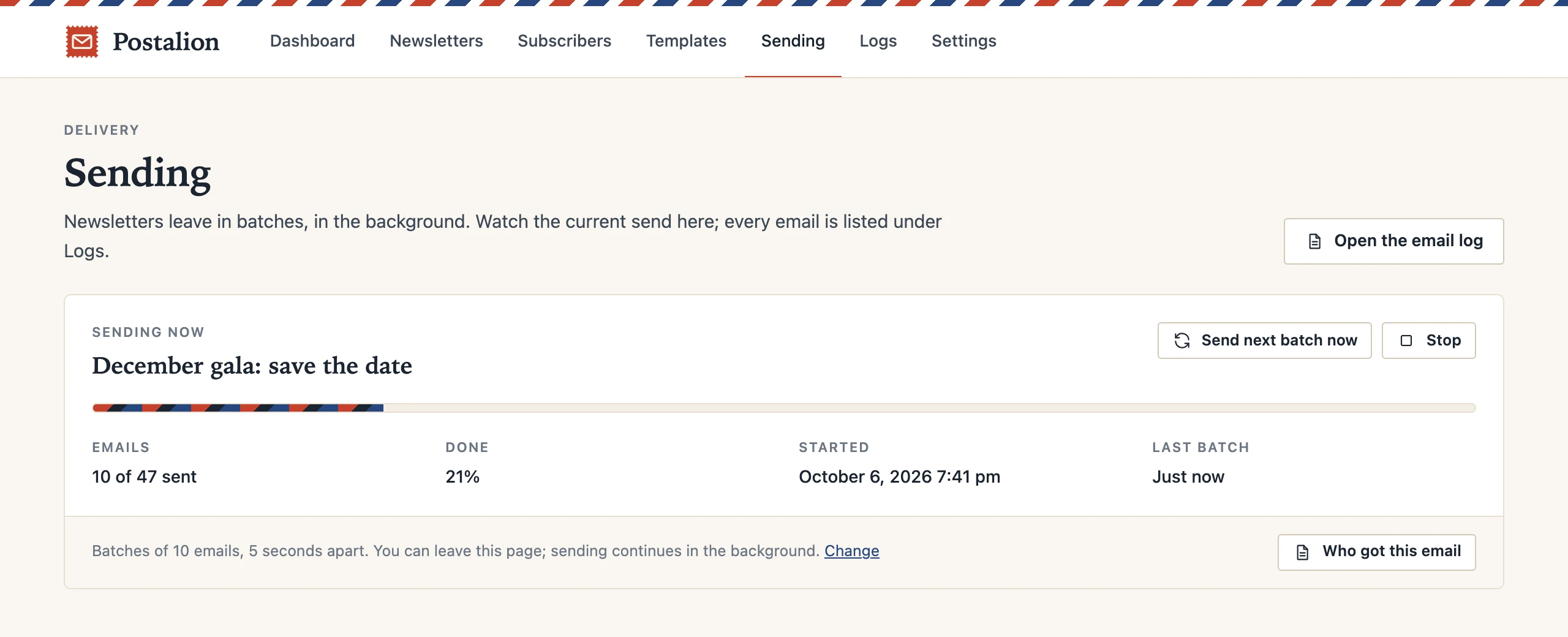
A list of five thousand does not go out in one request. Postalion queues every recipient and sends in small batches with a pause, so shared hosting keeps up. Mail leaves through your own server, the SMTP settings built in, or the mail plugin you already use.
- 01Batch size and pause are yours; stop and resume any time
- 02Schedule for a date and time in your site's timezone
- 03SMTP with a test button; works with WP Mail SMTP, FluentSMTP and the rest
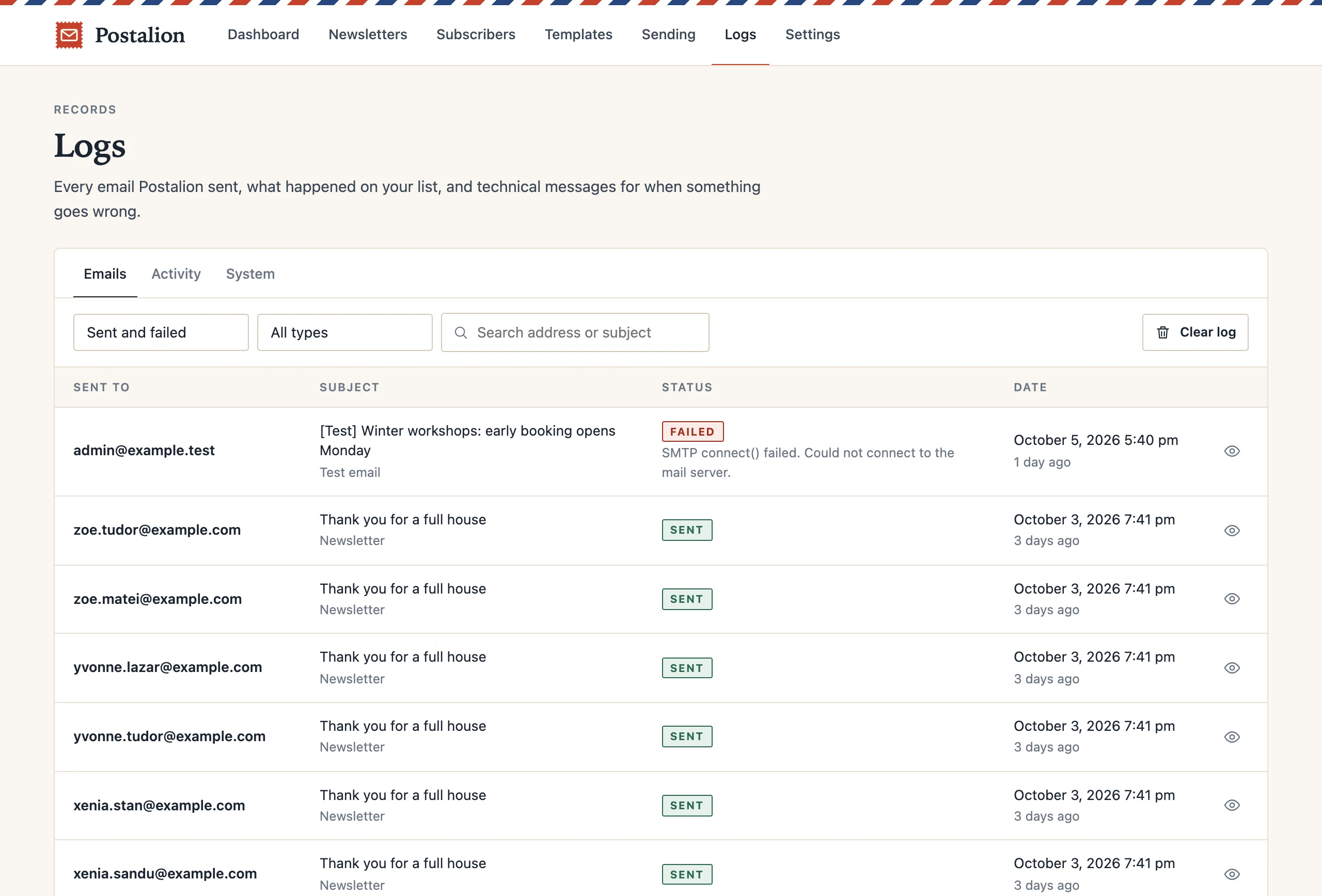
- 04Every email in the log: sent or failed and why, with a preview
05 · Automate
Emails that send themselves.
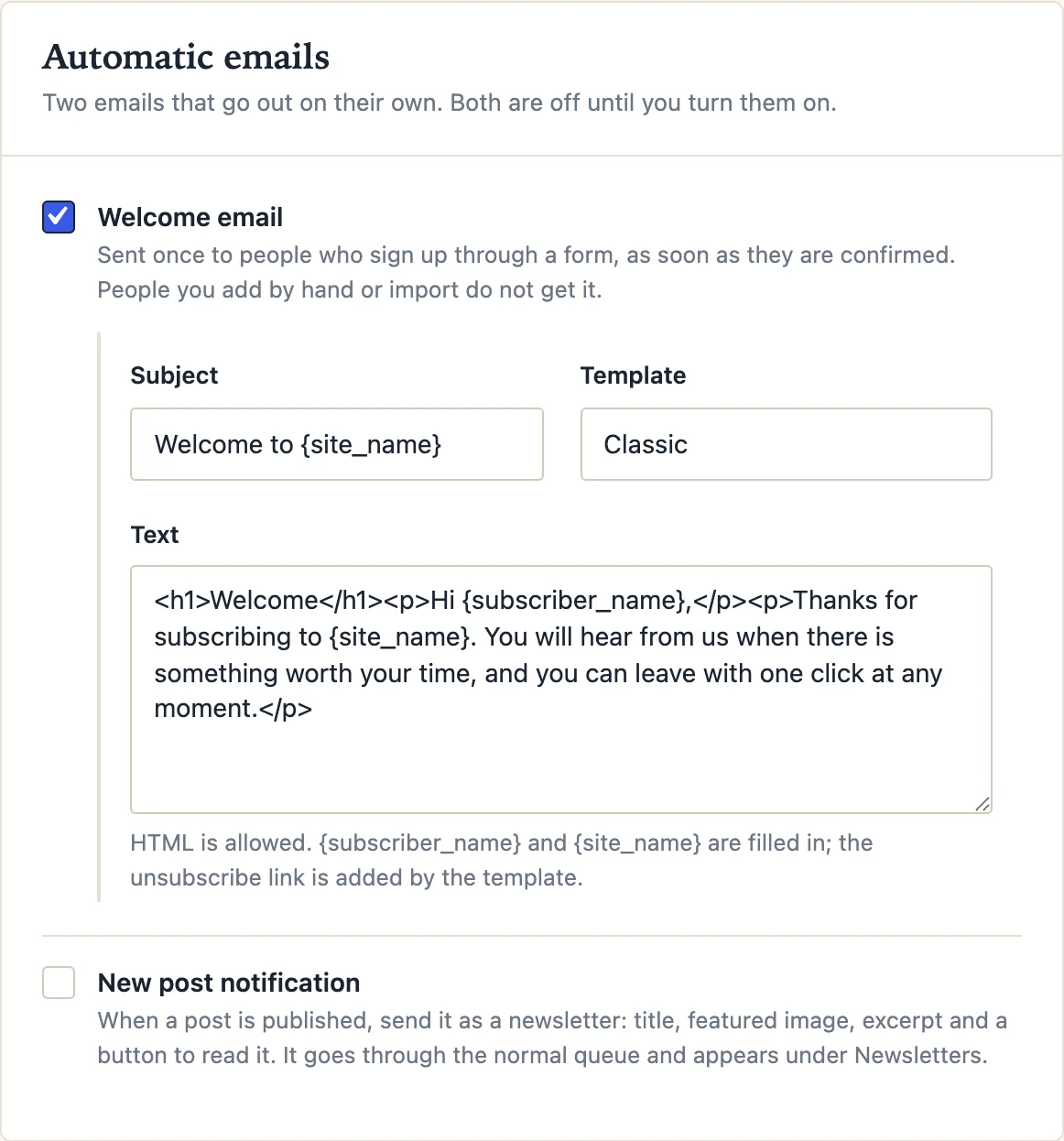
A welcome email when someone confirms. Each new post as a newsletter, the moment it is published. Or a digest of the week, the day or the month, by category, to everyone or to the people with a tag. All off until you turn them on.
- 01Welcome email with its own template and placeholders
- 02New post: pick the post types and categories that qualify
- 03Digest: daily, weekly or monthly, per category, to a tag
- 04Keep a post out with one checkbox
06 · Know
Statistics, when you want them.
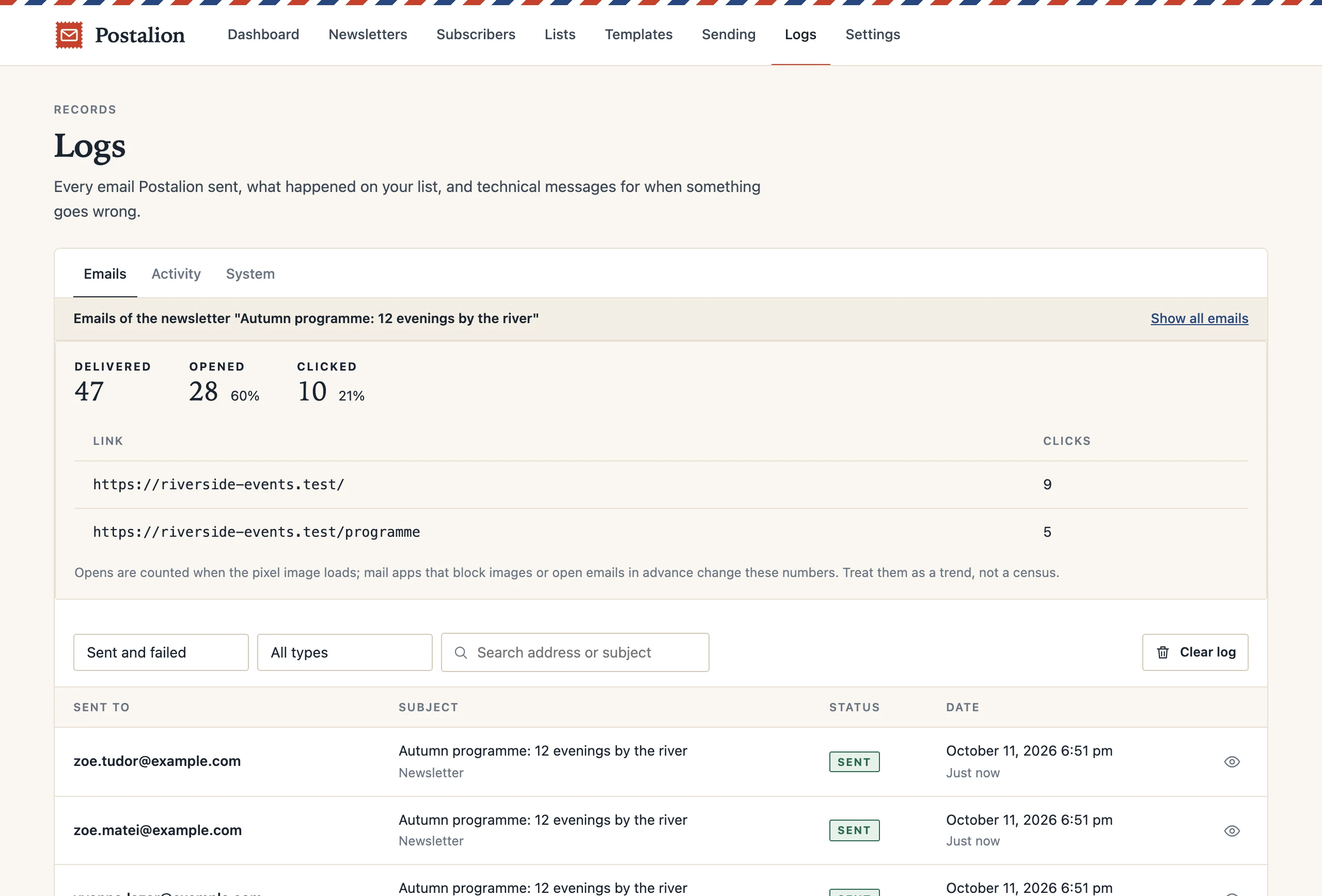
Opens, clicks and the most clicked links per newsletter, counted on your own server with nothing sent anywhere else. Off by default, because many lists do not need them, and because your readers may prefer it that way.
- 01Delivered, opened, clicked, per newsletter
- 02The links people clicked, ranked
- 03Who opened and who clicked, on the subscriber
- 04One switch in Settings; nothing is counted until you flip it
07 · Sell
Your customers, on your list.
A box at the checkout, ticked or not as you decide. Buyers get a Customer tag, and their last order date and order count are kept as fields you can filter and write with. New products can go out as emails, like posts do.
- 01Checkout opt-in with your wording, double opt-in or not
- 02Customer tag, last order and orders fields, filled on each order
- 03New-product emails, by product category
- 04Send to "customers who last ordered before June"
08 · Keep
Bring your list. Keep it private.
CSV in and out, with lists, tags and fields mapped. One-click imports from MailPoet and from the Newsletter plugin that bring subscribers, lists, custom fields and statuses along. Double opt-in, a one-click unsubscribe link in every email, and WordPress export and erase requests answered automatically.
- 01CSV import with a preview and a column map; export of any filter
- 02MailPoet and Newsletter imports, lists and fields included
- 03Thirteen tables in your own database; nothing phones home
- 04A preferences page in every email: change name, fields and lists, or leave