Automatic emails
Two emails that go out without you pressing Send. Both are off until you turn them on under Settings → Automatic emails, and both appear in the logs like any other email.
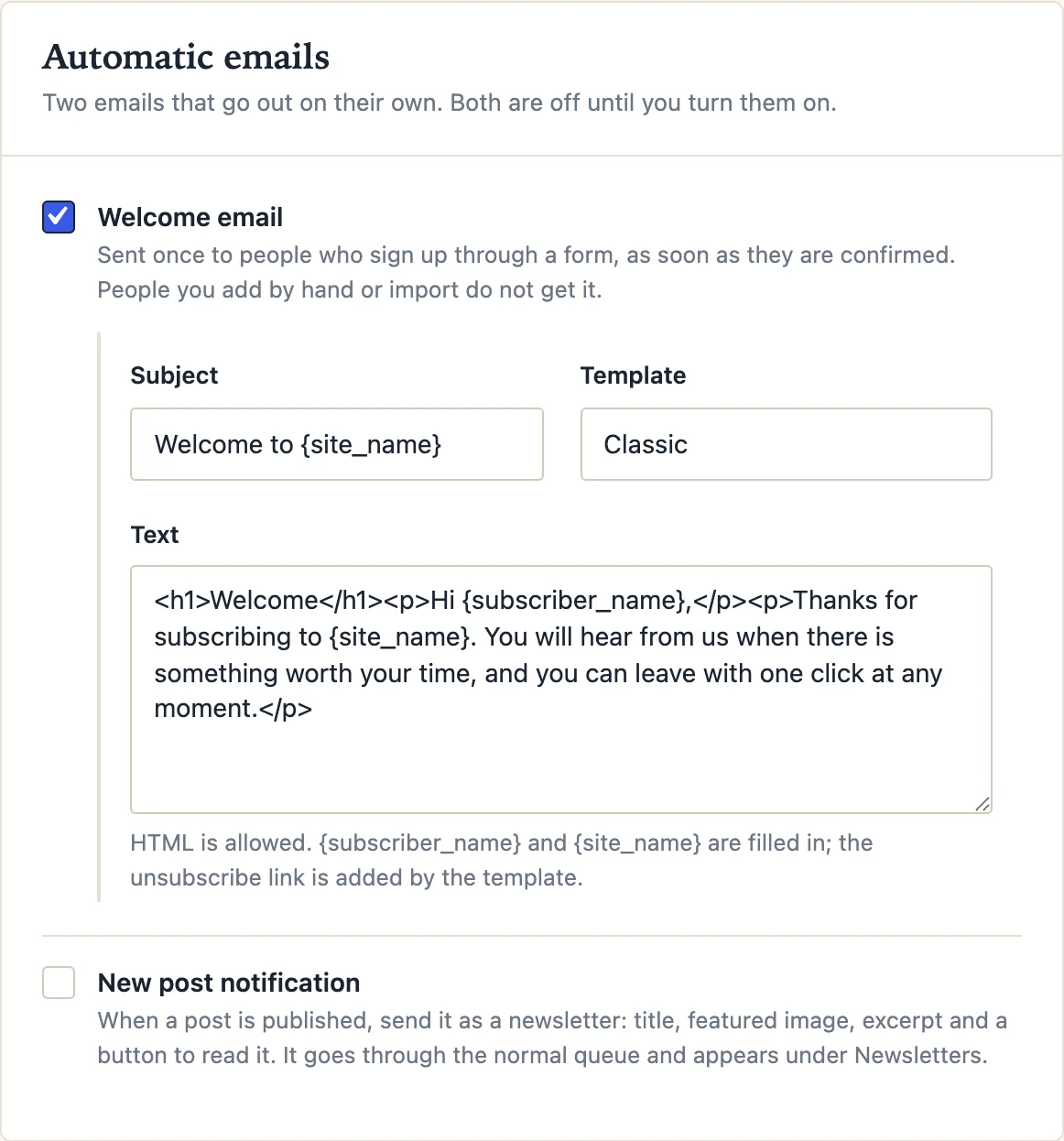
Welcome email
Sent once to a person who signed up through a form, the block, the popup or a checkbox, as soon as they confirm their address (or at once, when double opt-in is off). People you add by hand or import do not get it; they did not just arrive.
You write the subject and the text, in HTML if you like, and pick the template. {subscriber_name} and {site_name} are filled in; the unsubscribe link comes from the template. A good welcome email says what to expect and how often, and nothing more.
New-post notification
When a post is published for the first time, Postalion builds a newsletter from it: the title, the featured image, the excerpt (or the first words of the post) and a button to read it, in the template you choose, and sends it through the normal queue to everyone or to the lists you pick. It shows up under Newsletters with its report, so you can see how it did.
- Post types: posts by default; any public type can be ticked.
- Subject: a pattern with
{post_title}and{site_name}. - Each post goes out once: updating a published post does not send it again. Password-protected posts are never sent.
- Scheduled posts are sent when they are published, not when you save them.
Keeping a post out
For a single post, publish it with the switch off and turn it back on afterwards, or use the postalion_notify_post filter from a small plugin or your theme:
add_filter( 'postalion_notify_post', function ( $notify, $post ) {
    return ! has_category( 'housekeeping', $post ) && $notify;
}, 10, 2 );
The HTML of the generated newsletter can be changed with postalion_post_newsletter_content. The developers page lists both.
Next: Statistics