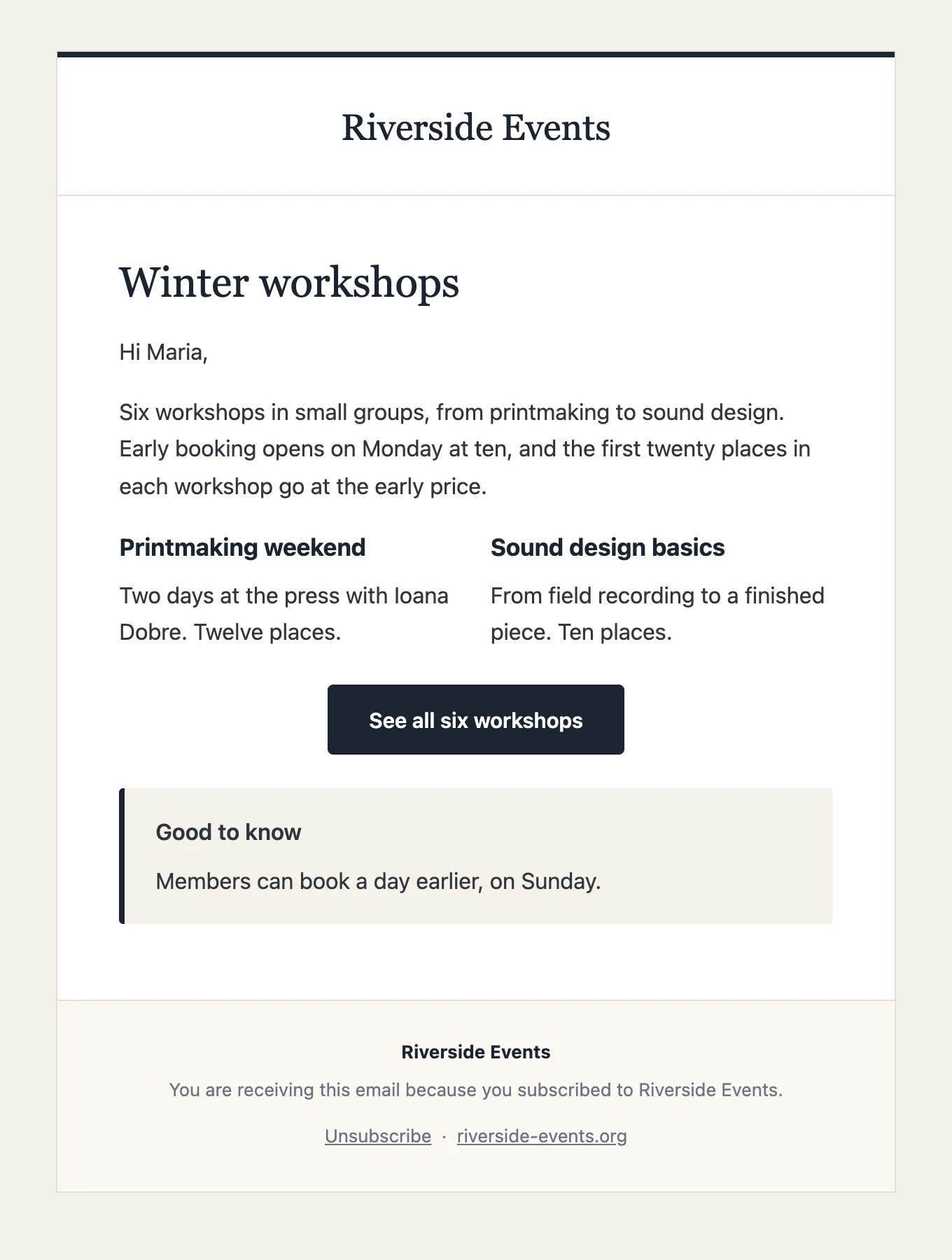
01 · Classic
The one you start with.
Your logo or site name on top, serif headlines, a quiet footer. It takes a long article, a list of events or a single announcement without complaint, which is why it is the default.
- 01Logo from the Customizer, or your site name in type
- 02Headline, button, two columns and image blocks all fit
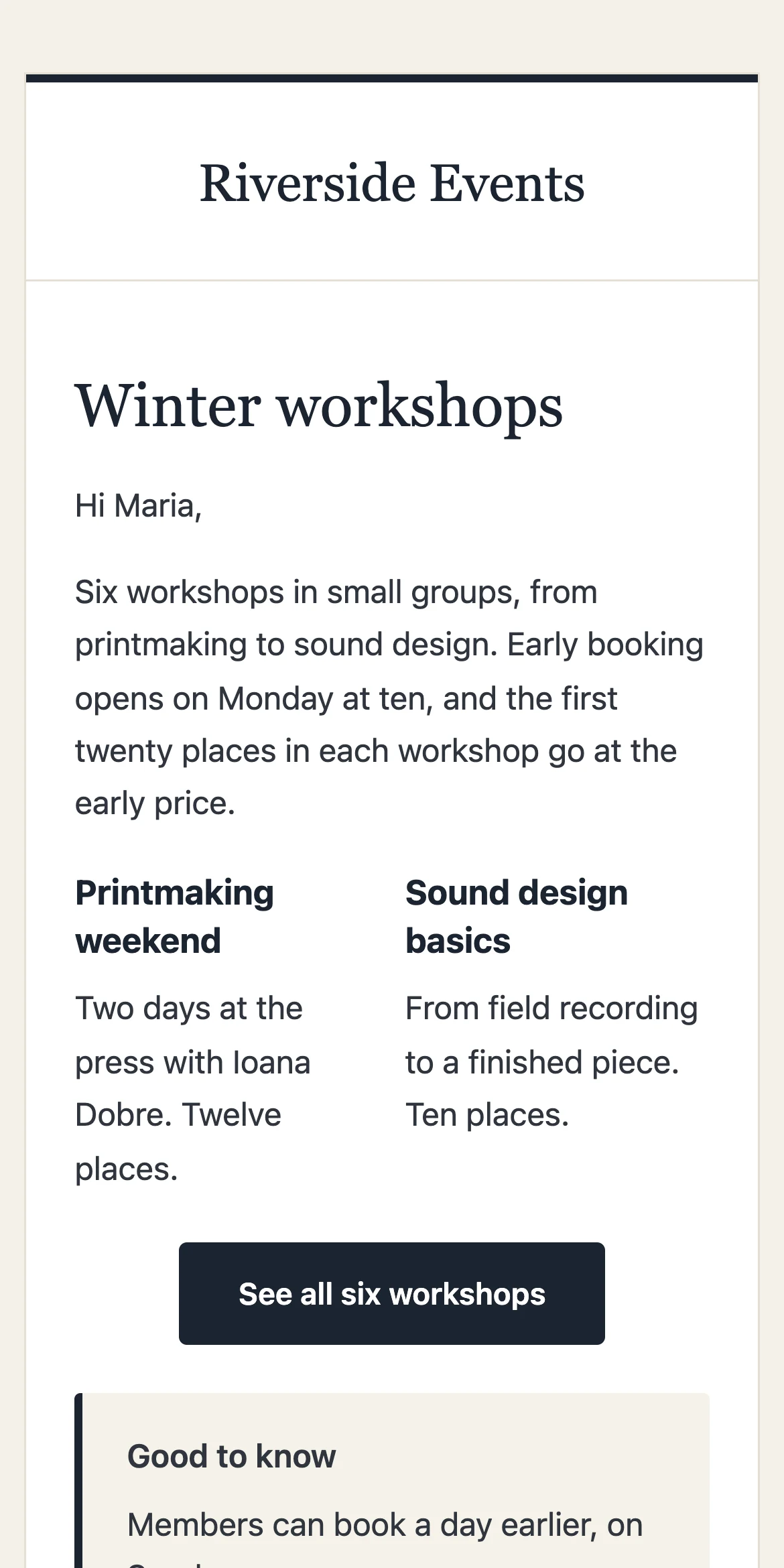
- 03Light background, 600 px wide, single column on a phone
Best for a monthly letter, a club's news, a shop's new arrivals.
02 · Letter
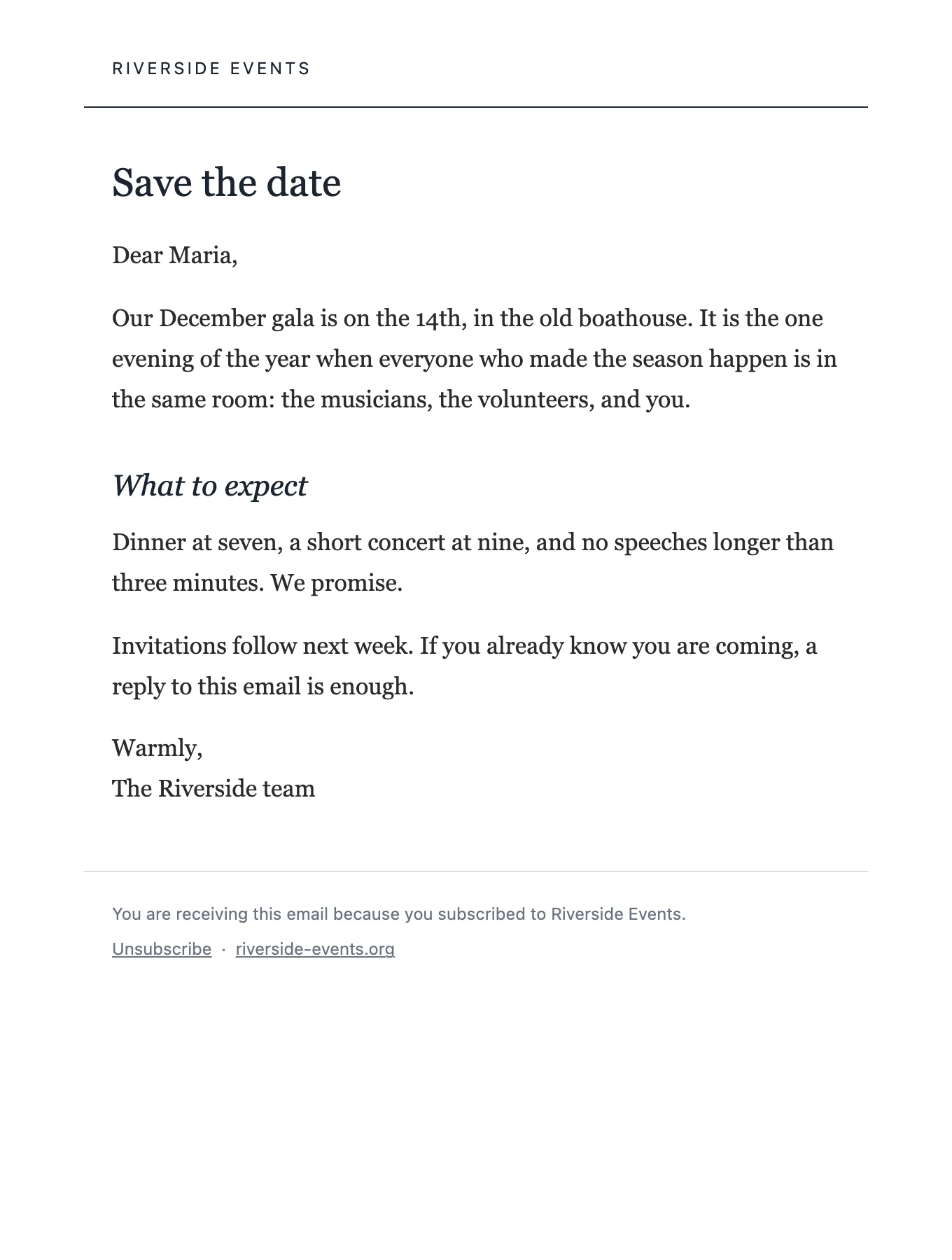
Reads like a letter from a person.
A plain page, serif text, nothing in the way. No band, no boxes. Use it when the writing is the point: a founder's note, a weekly essay, a message to members.
- 01Your name as the sender, your site name small on top
- 02Wide line length for reading, generous spacing
- 03Reads well in Gmail, Outlook and Apple Mail
Best for a personal newsletter, an essay, a thank-you to members.
03 · Bulletin
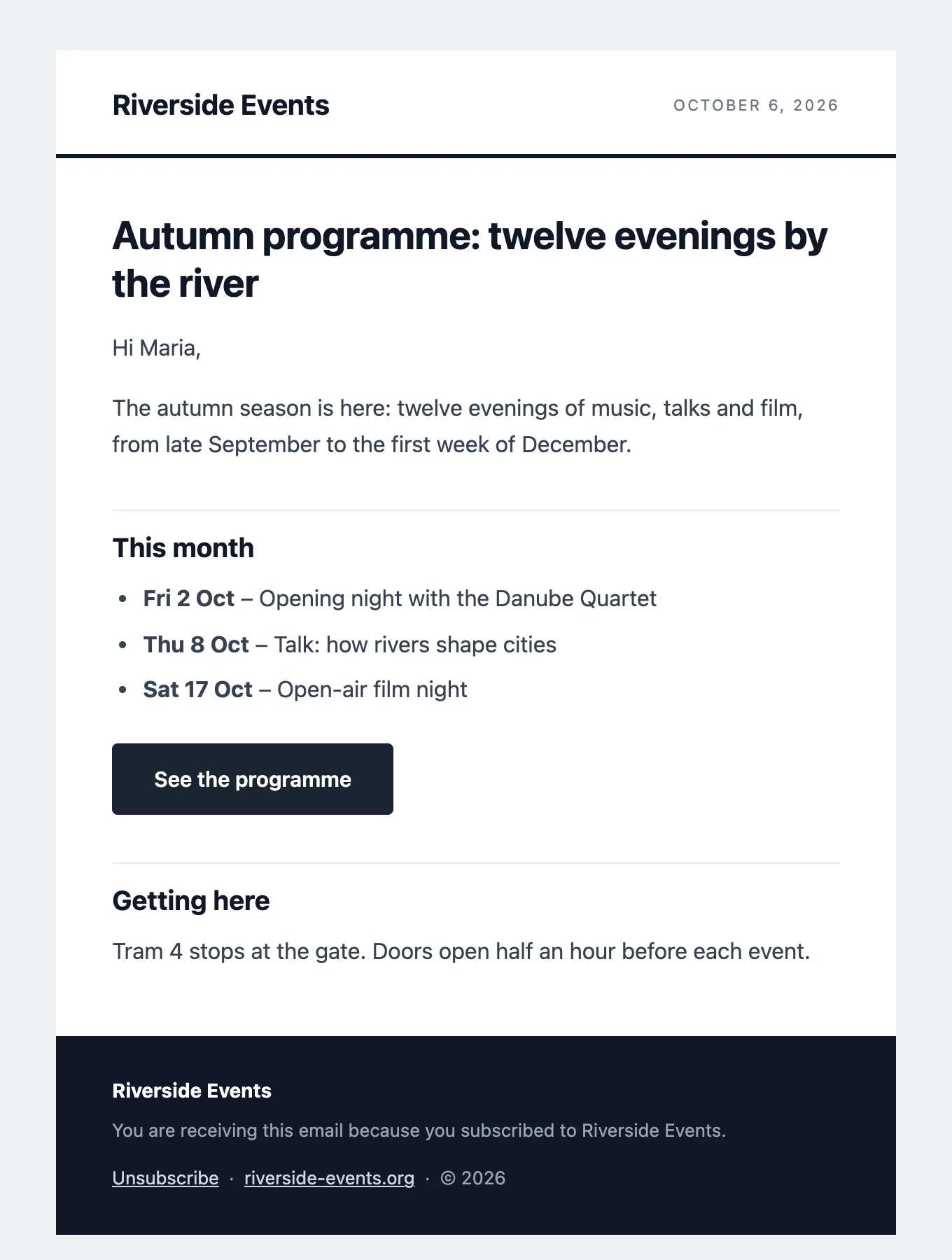
For the update that comes every week.
Name and date in the header, firm headings, a dark footer. It gives a regular issue a recognisable shape, so readers know what they are opening before they read a word.
- 01The date in the header is filled in on the day it is sent
- 02Headings with a rule under them, good for several short items
- 03A natural pick for the digest, chosen once in Settings
Best for weekly or monthly digests, company updates, a school's bulletin.
04 · Announcement
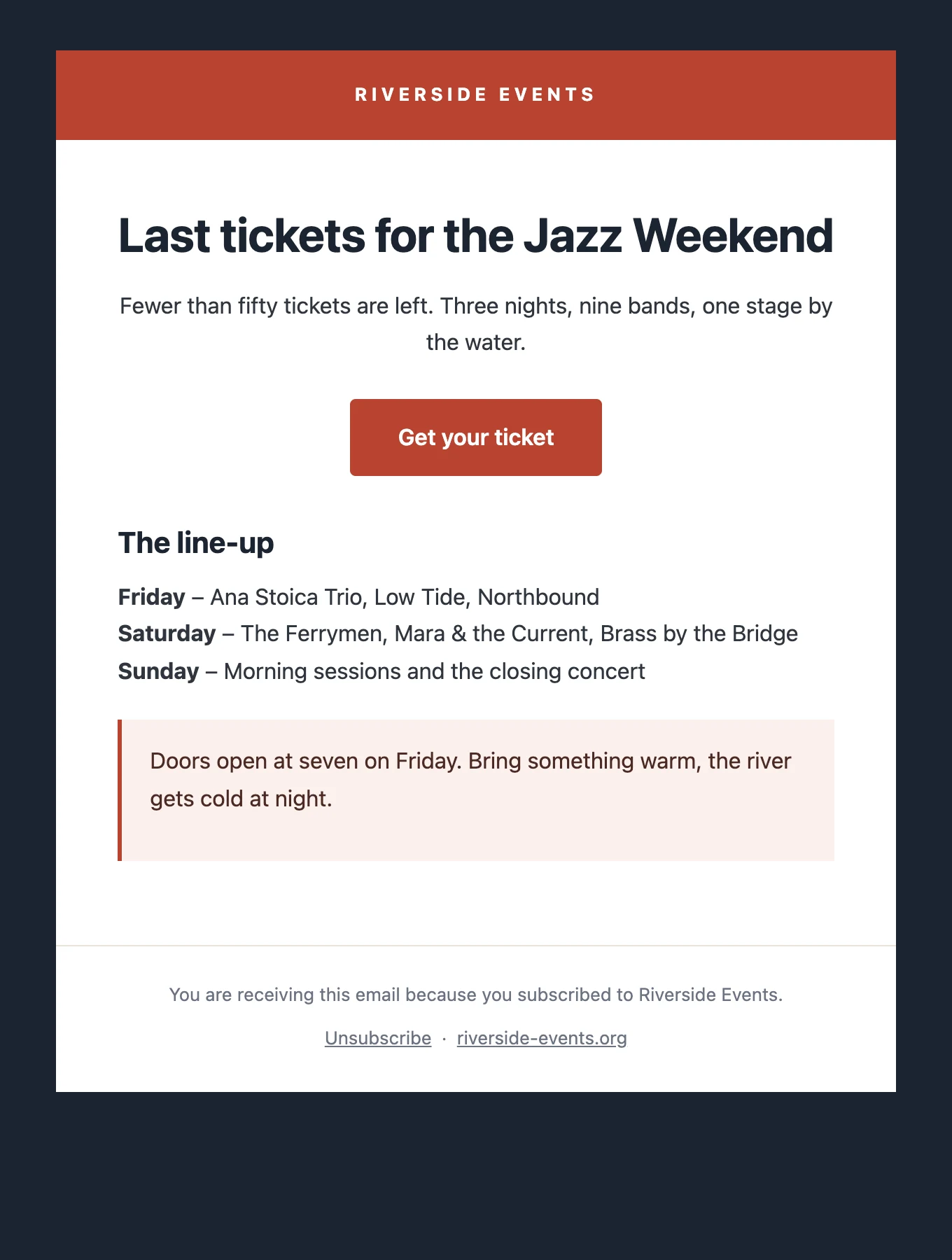
One thing, said loudly.
A bold colour band and a large centred headline. The reader sees the news in the first second and the button in the second. Keep the text short; the template does the rest.
- 01Centred headline and button, image block under them
- 02Works with the new-post and new-product emails
- 03The band colour follows the template; your logo sits on it
Best for launches, ticket sales, a sale that ends Sunday.
05 · Card
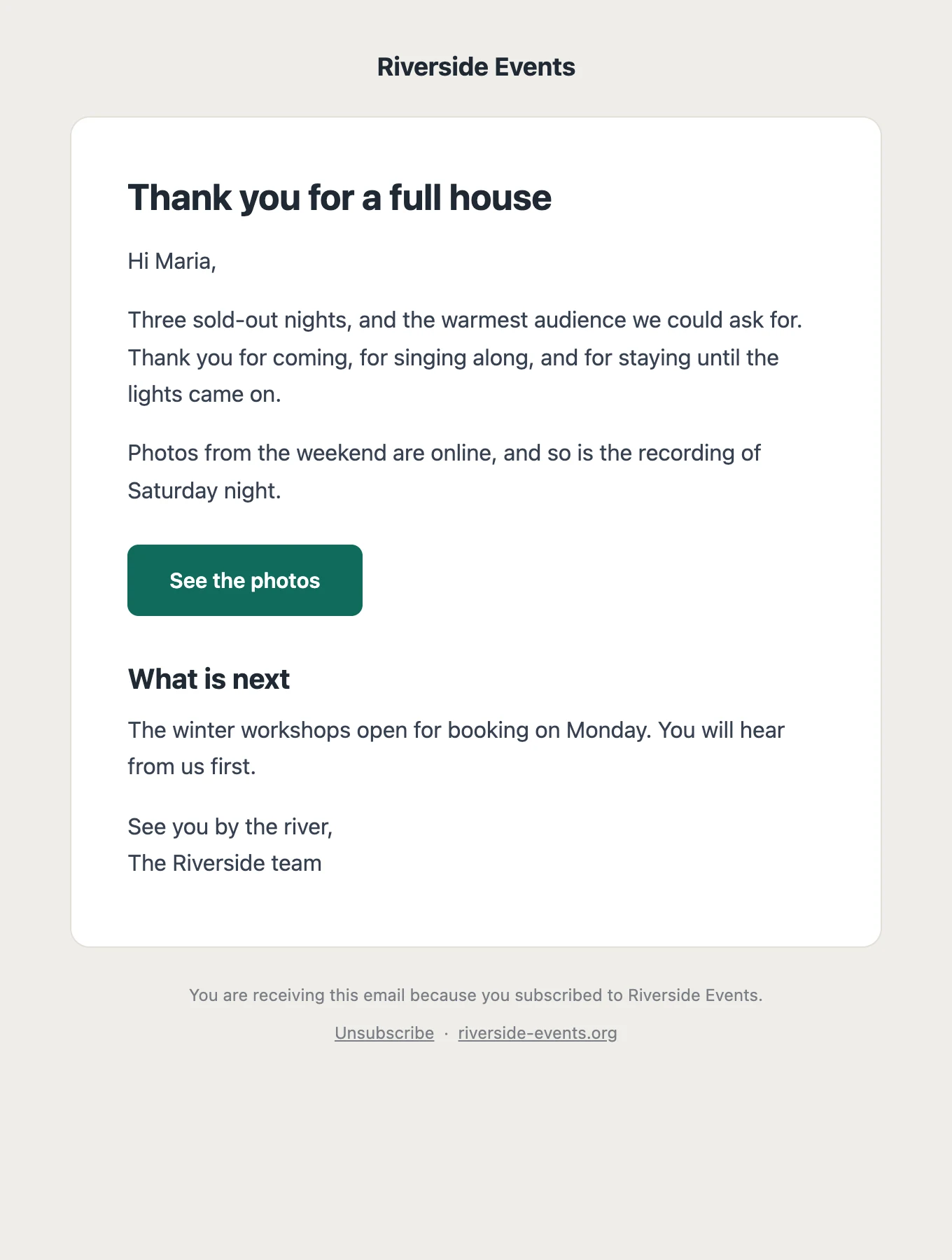
Short, friendly, on a card.
A rounded white card on a soft background, with the footer underneath. For the email that is three sentences and a button: a reminder, a confirmation, a welcome.
- 01A natural pick for the welcome email, chosen once in Settings
- 02Soft background, card with rounded corners, nothing heavy
- 03Reads well in dark mode mail apps
Best for welcome emails, reminders, short notices.
06 · Programme
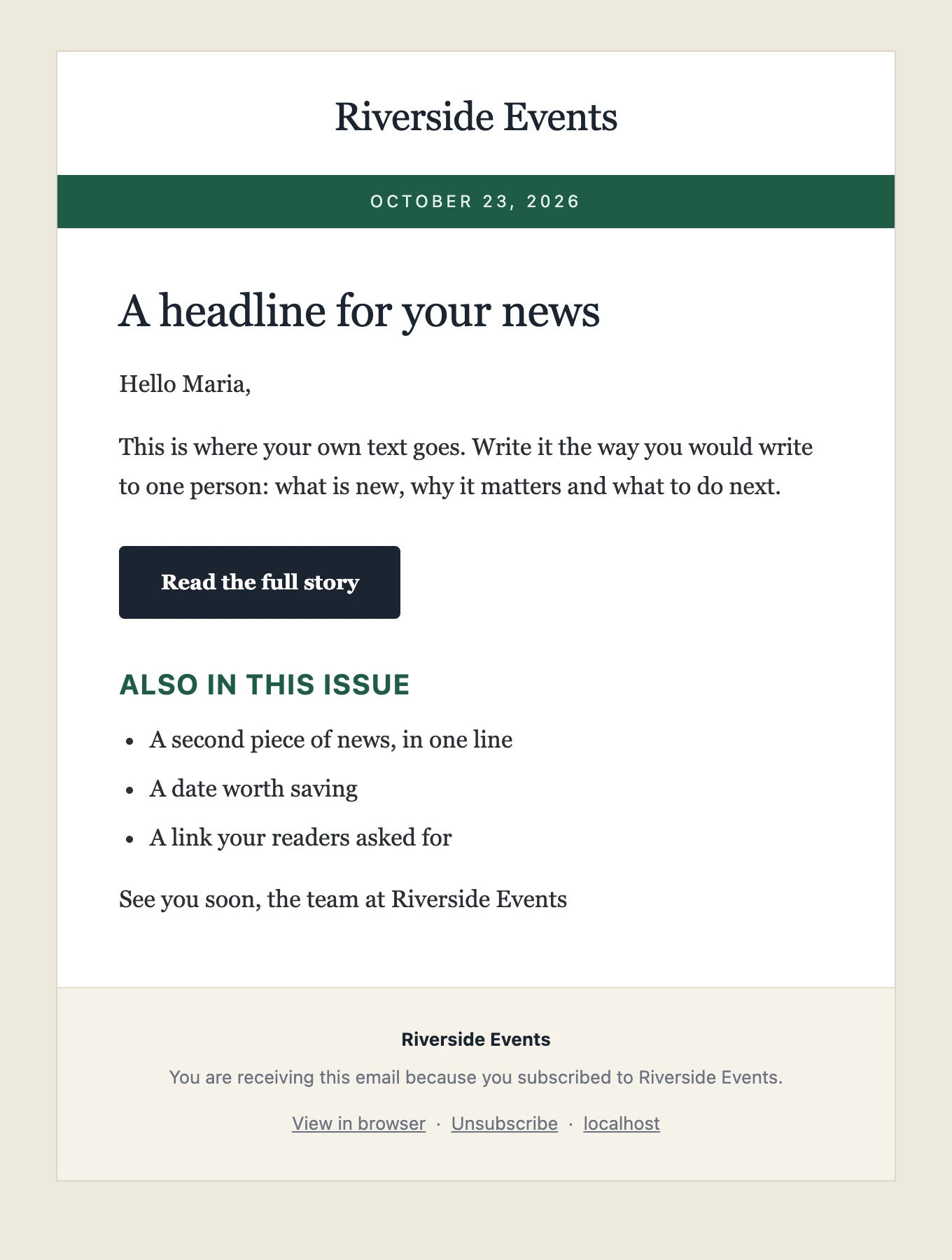
A programme, on paper.
Cream page, serif text, the date in a green band under your name. It reads like the leaflet at the door of a venue, which is what a monthly programme should feel like. New in 1.7.
- 01The date of sending in the band, filled in for you
- 02Small-caps headings for sections: This month, Tickets, Workshops
- 03Serif body text, generous line height for reading
Best for venues, festivals, clubs, courses, a museum's month.
07 · Shop
Products, prices, a button.
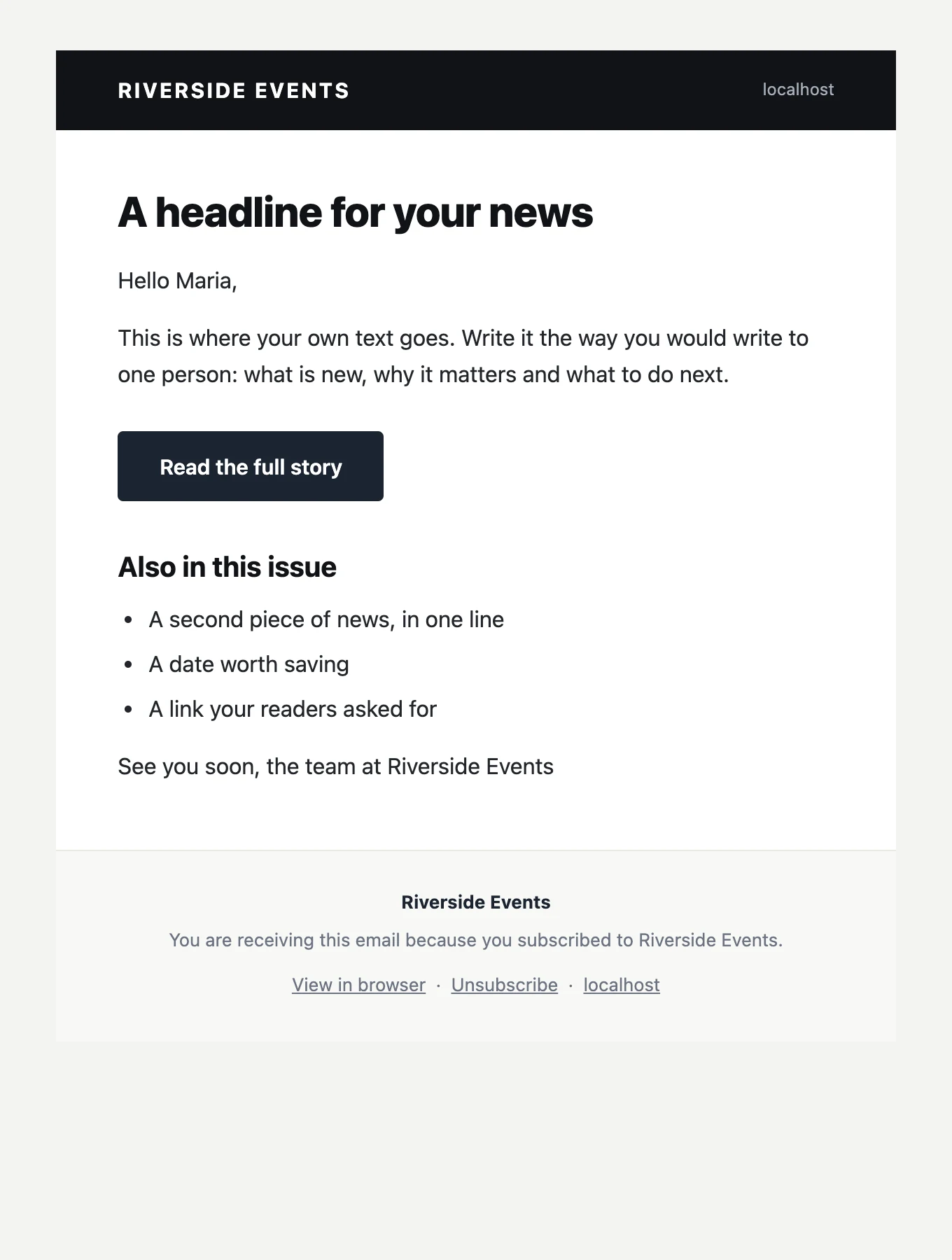
White, a dark header bar with your name and domain, bold sans-serif headlines. Images get soft corners, buttons take the shop's accent. Built for new arrivals and offers; the WooCommerce new-product emails look right in it without any work. New in 1.7.
- 01Dark header bar, domain on the right
- 02Bold headlines, rounded images, accent buttons
- 03Two-column block for two products side by side
Best for shops, makers, new arrivals, a sale that ends Sunday.
08 · School
Friendly, clear, every week.
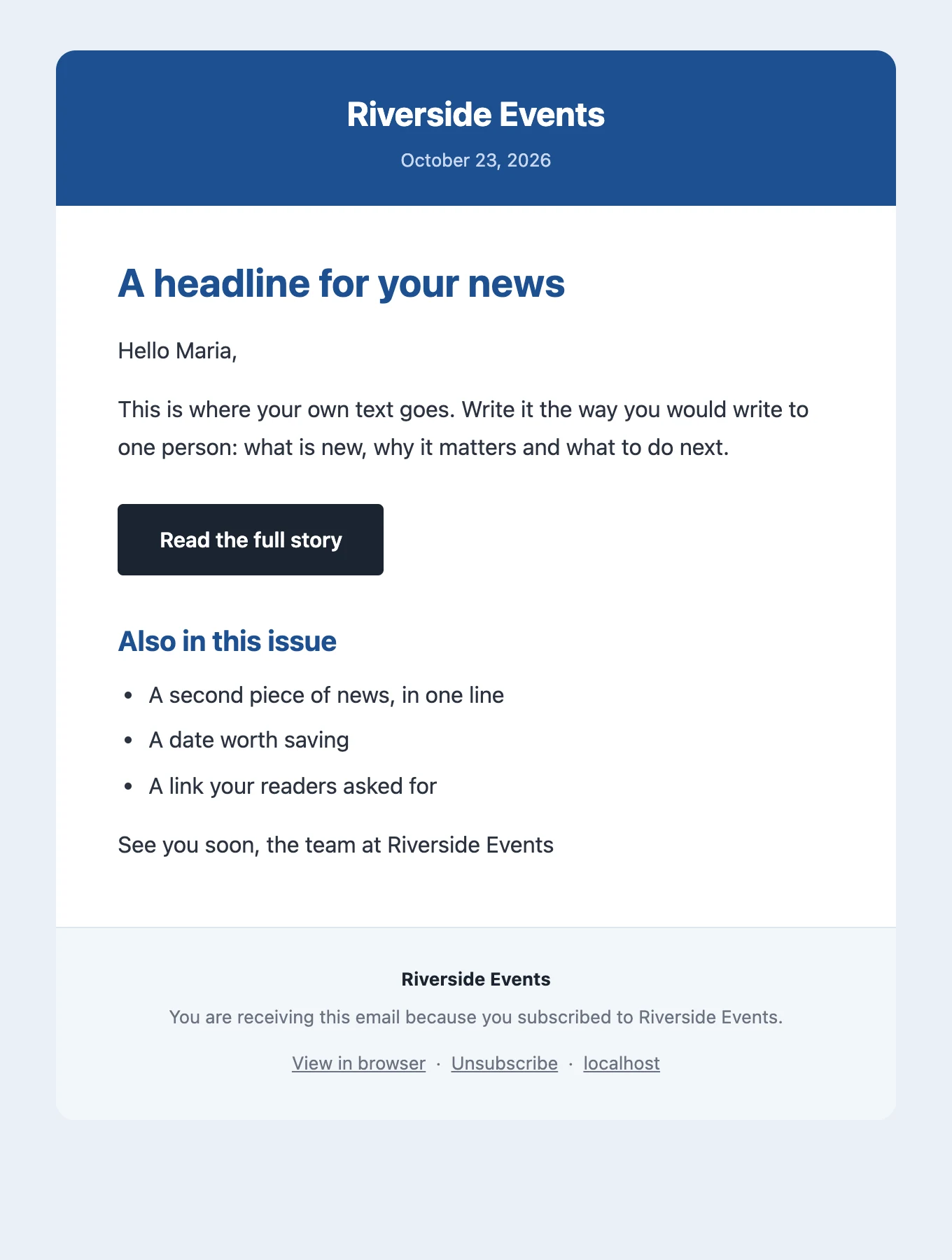
A blue header with your name and the date, a rounded card, plain text with blue headings. For the weekly note to parents, the parish bulletin, the association's news: easy to scan on a phone between two other things. New in 1.7.
- 01Name and date in the header, no logo needed
- 02Notes stand out in a soft blue box
- 03Reads well in dark mode mail apps
Best for schools, kindergartens, parishes, associations, sports clubs.
Under the hood
What every template does for you.
You write the content once. The template adds the parts a newsletter needs and that are easy to get wrong by hand.
- Your logoThe logo set in the Customizer, or your site name in type if there is none. Developers can swap it with the
postalion_logo_urlfilter. - Unsubscribe linkIn the footer of every email, one click, no login. Plus the List-Unsubscribe header mail apps use for their own button.
- Web versionA "View in browser" link at the top, and a page that lists the newsletters you sent, if you turn the archive on.
- Placeholders{first_name}, {site_name}, {date}, any custom field, filled per reader; the preheader shown next to the subject.
- Email-safe HTMLTables, inline styles, no scripts, images with width and alt. Built for Gmail, Outlook, Apple Mail and phones.
- Your ownAdd a template of your own with the
postalion_templatesfilter: a folder with one HTML file and a few placeholders. How, in the docs.